Adopting the Match Total Exposure option in Lightroom Classic
Match Total Exposure is a time-saving feature in Adobe Lightroom Classic that adjusts exposure between multiple images. This tool can be particularly useful when working with a series of photos from the same shoot.
Lightroom looks at the shutter speed, aperture value, ISO settings, any exposure bias from the EXIF data and the exposure slider setting in Lightroom. Then it automatically adjusts the same slider in the selected images to try to match the exposure of the original, highlighted image.
Steps to use Match Total Exposure
- Select Images: In the Library or Develop module, select an image and adjust the Exposure slider to taste. Then select the images whose exposure you wish to match to the highlighted image.
- Choose Match Total Exposure: Right-click on one of the selected images and choose Develop Settings > Match Total Exposure.
- Adjust if Necessary: After applying the changes, you may still need to fine-tune individual images for optimal results.
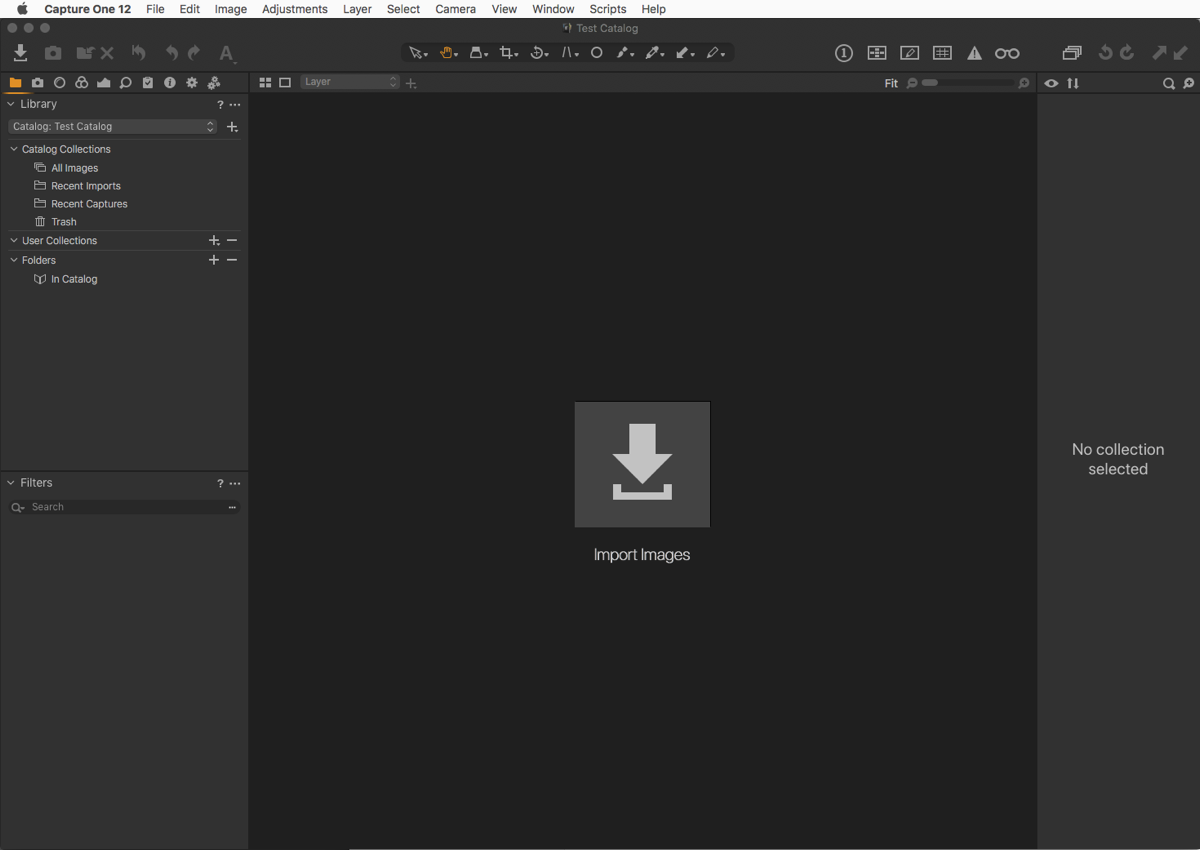
While a useful tool, it’s not totally foolproof. I prefer Capture One’s Normalise tool, which allows both exposure and white balance to be matched across images. However, that tool requires some practice, and it’s not possible to apply settings to multiple images at once, as with Lightroom’s Match Total Exposure option.