• The Digital Journal of Photography
  • Home
  • Reviews
  • Practice
  • Store
  • Log In
  • Subscribe
  • The Digital Journal of Photography
  • Home
  • Reviews
  • Practice
  • Store
  • Log In
  • Subscribe
  • Capture One Pro in browser mode
    Articles,  Capture One Pro,  Capture One Pro,  Features,  News,  Tutorials

    Hidden Features of Capture One Pro: Redeploy as a Fast Browser

    May 15, 2021 / Comments Off on Hidden Features of Capture One Pro: Redeploy as a Fast Browser

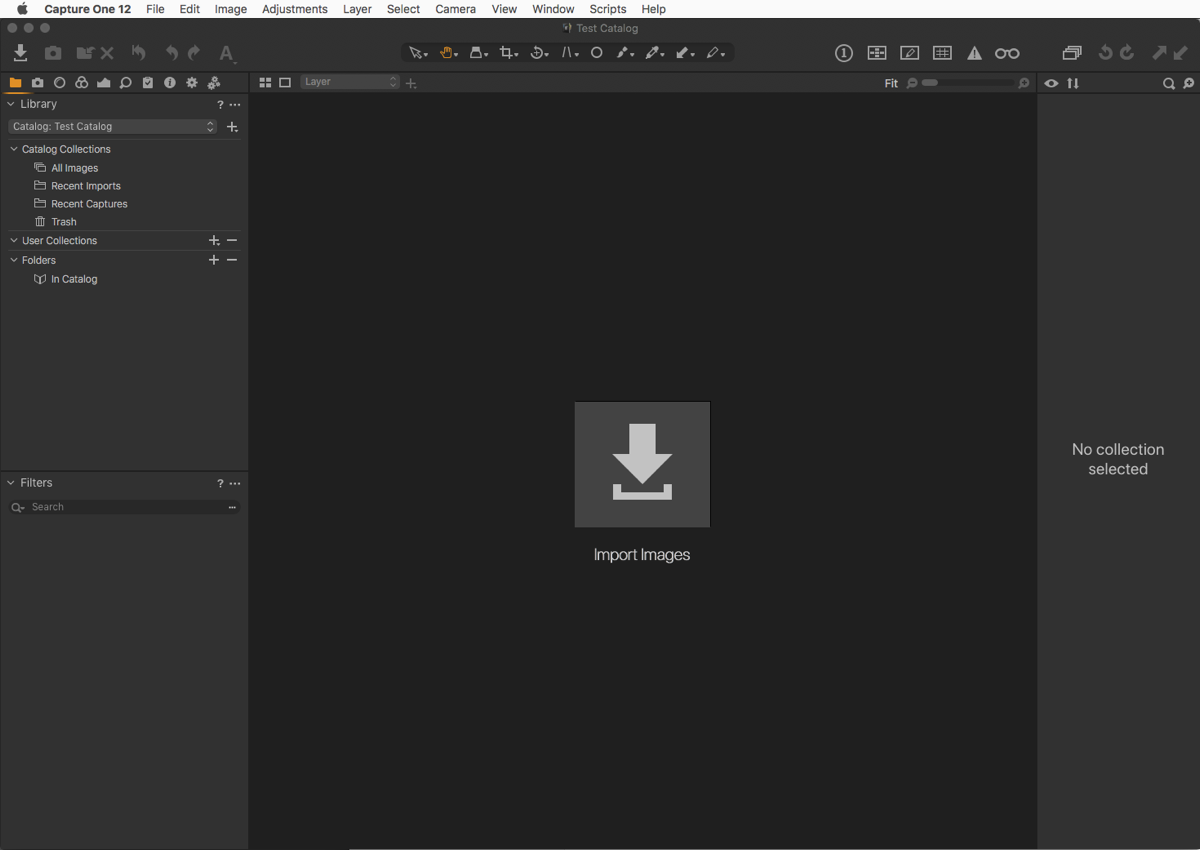
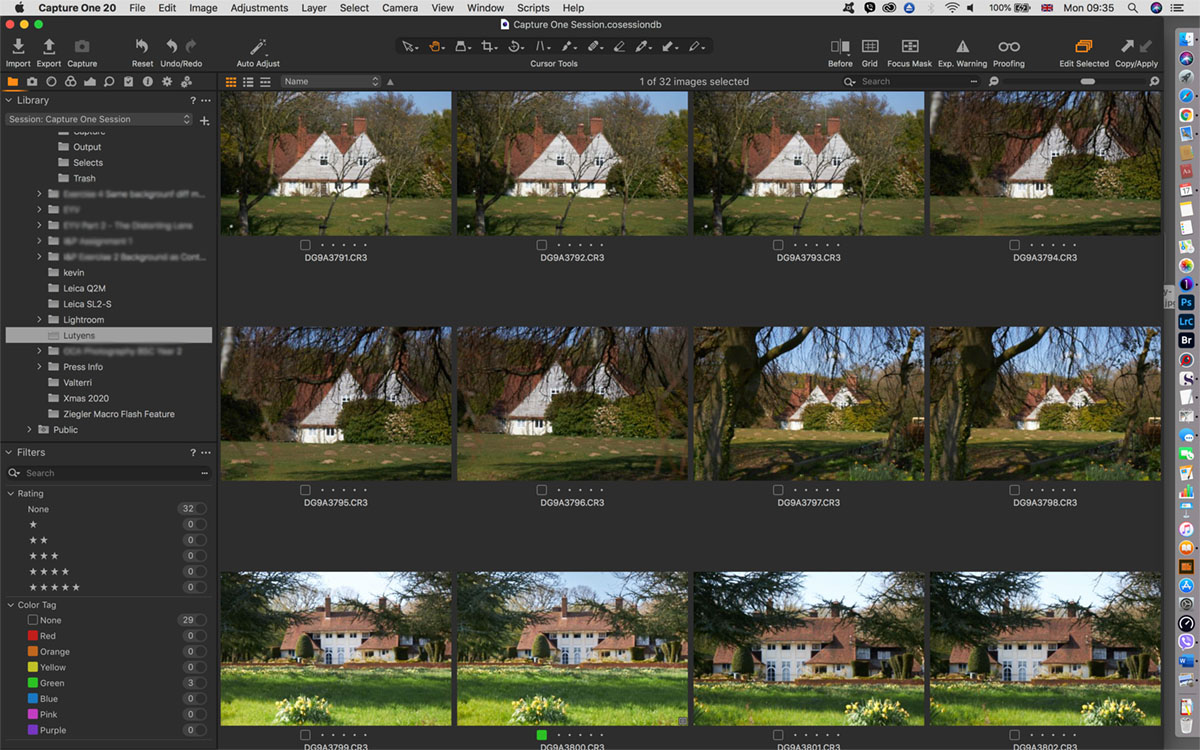
    Why use Capture One Pro as a fast browser? In theory, Capture One can’t be used to browse until images are imported into either a Catalog or a Session. And, in my opinion, it’s this design that makes Capture One Pro a little daunting for new users, as you’re immediately asked to make a choice between them before you can use it. However, in practice, there is an (unofficial and therefore unsupported) “third” way to use it, and that is as a fast browser. One of the downsides of RAW converters like this is that you have to import images through a “gatekeeper” (the import, or ‘importer’) app. Once files…
    read more
    Kevin Carter

    You May Also Like

    Capture One Pro 21 shown on an iMac

    Capture One Pro 21: Should you buy a perpetual license or a subscription?

    April 8, 2021
    Capture One Pro

    Black and White Conversion using Capture One Pro

    June 22, 2020
    Capture One Pro - Save Filters for Searching Metadata

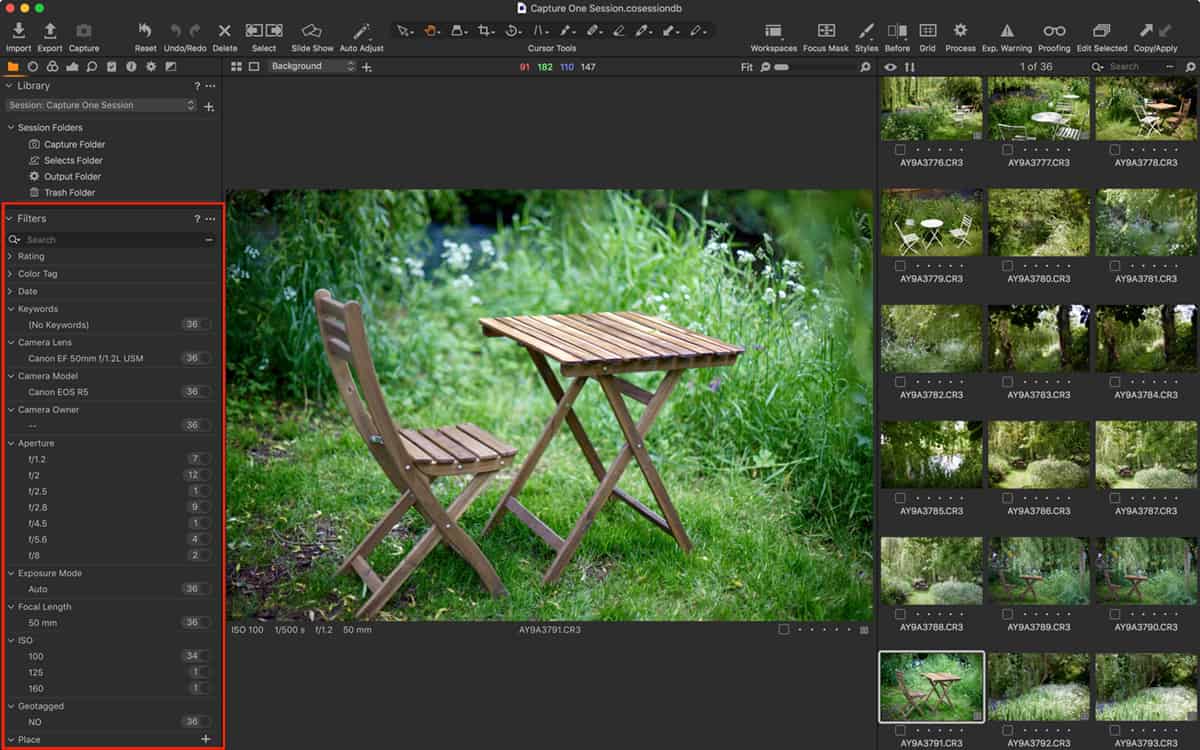
    Hidden Features of Capture One Pro: Save Filters for Searching Metadata

    August 17, 2021

Affiliates


Copyright © 2026 Digital Journal of Photography. All rights reserved.
  • Home
  • About
  • Privacy Policy
Ashe Theme by WP Royal.