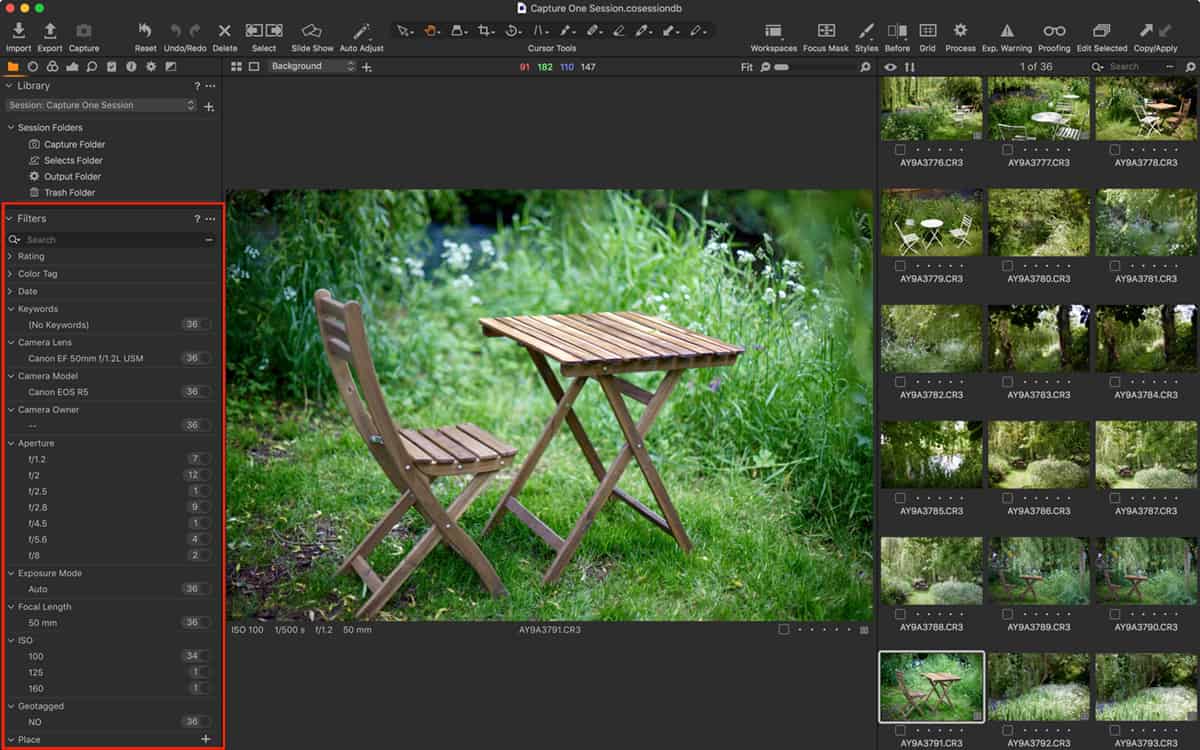
Filters are an often over-looked feature in Capture One and they’re really very powerful for searching for images. You might already use them to find starred or colour tagged images but they can...
Have you ever wanted to selectively import images from a memory card or folder on your computer or external disk, but can’t tell by looking at the displayed thumbnails which images you need to s...
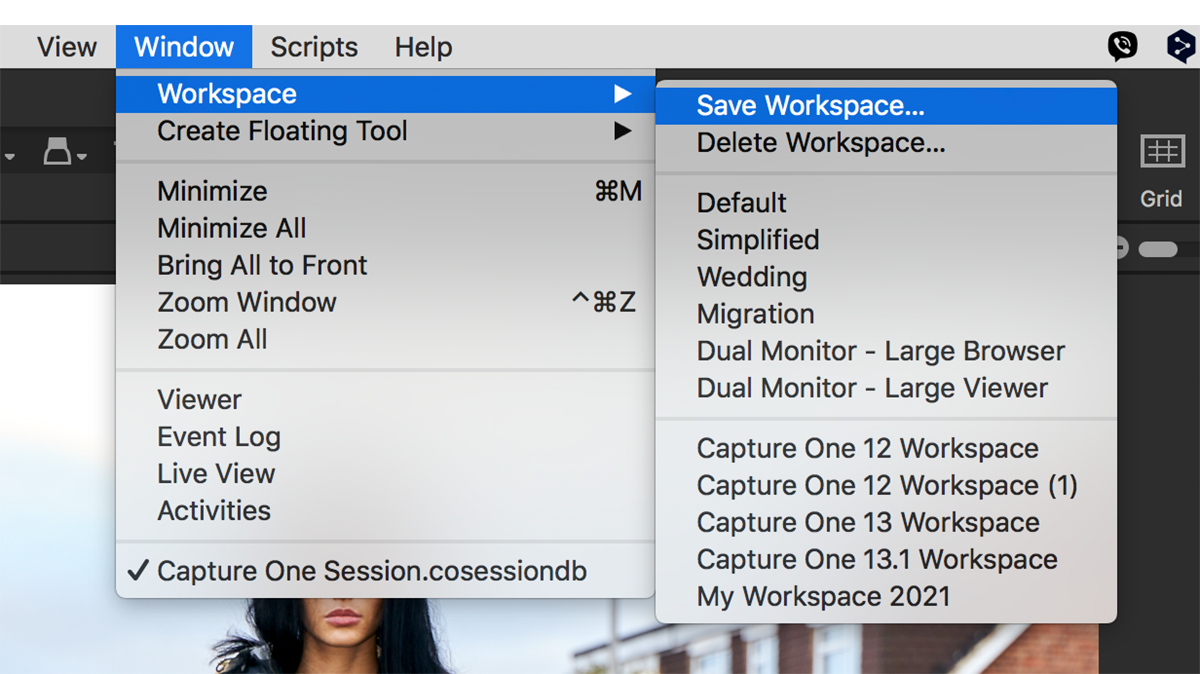
Capture One Pro is a highly customisable app, and there’s nothing worse than getting it all set up only to find the workspace has changed for whatever reason. I often find it different to how I ...
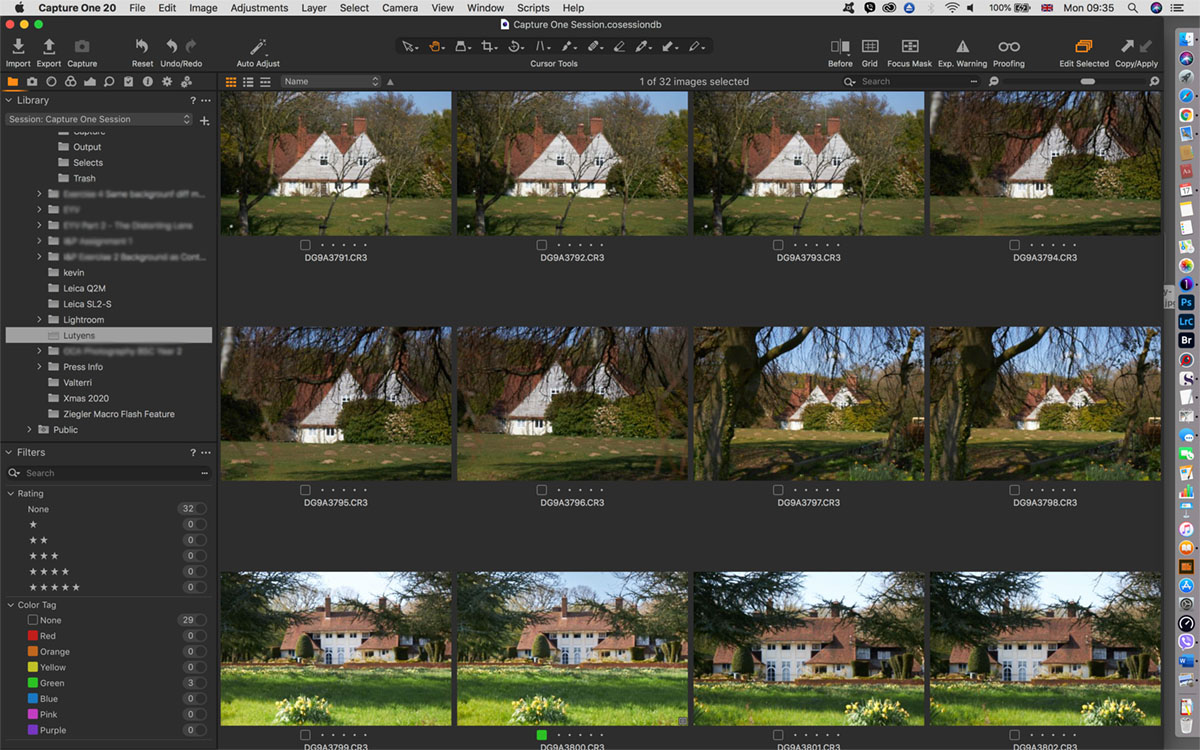
Why use Capture One Pro as a fast browser? In theory, Capture One can’t be used to browse until images are imported into either a Catalog or a Session. And, in my opinion, it’s this design that makes ...
Update: this article was written for Capture One Pro 21, and prices may have changed for Capture One Pro 22/23, therefore, please check before committing to any purchase. Please consider buying a lice...

Update (December 07, 2019): Phase One has announced Capture One Pro 20 (version 13). There aren’t any special prices now, but you can still buy a license and bundle some styles together for impr...
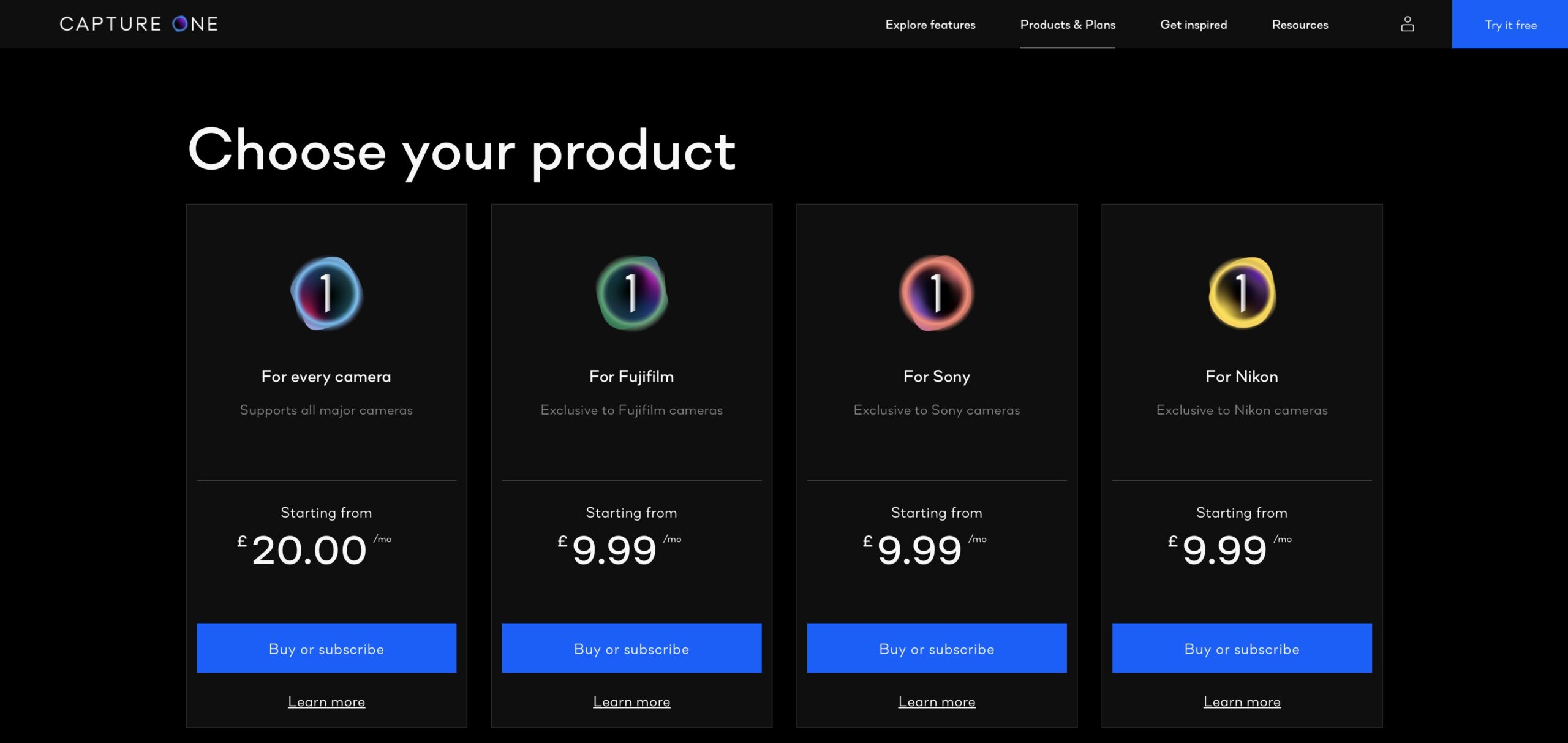
UPDATE (April, 2021): Please note this article is no longer relevant and is kept here online for reference only. If you want to know the most affordable route to working with Capture One 21, please se...
Already the ‘go-to solution’ for high-end imaging pros, Capture One Pro is becoming increasingly popular with a much wider audience. Part of this could be the bundling with Sony and Fujifi...

