• The Digital Journal of Photography
  • Home
  • Reviews
  • Practice
  • Shop
  • Log In
  • Subscribe
  • The Digital Journal of Photography
  • Home
  • Reviews
  • Practice
  • Shop
  • Log In
  • Subscribe

Affiliates

This site earns commission from Amazon and other retailers. This does not affect the price you pay.

  • The Digital Journal of Photography
  • Home
  • Reviews
  • Practice
  • Shop
  • Log In
  • Subscribe
  • News

    Save 10% on Capture One during October

    October 7, 2019 / Comments Off on Save 10% on Capture One during October

    From today through to 31st October, you can save 10% on any Capture One Pro product (perpetual licenses, subscriptions and styles) purchased through the official Capture One store. During checkout, please add the promo code: OCT-AF-VAG. 1 Go to the official Capture One store, and select the product you want. Then click on Enter Promotional Code and add the OCT-AF-VAG in the dialog box that opens. Click Apply, and verify the 10% discount has been applied before adding your details. If you click on the checkout basket, top left, you’ll see two items have been added. The licence and a $20 gift card (offer extended through October) to spend on…

    read more
    Kevin Carter

    You May Also Like

    Get 25% off Capture One Upgrades, 20% off Style Kits

    April 15, 2019
    Nikon Nikkor Z 12-24mm F2.8S top but showing a blacked out LCD.

    Nikon Nikkor Z 14-24mm F2.8 S lens review

    February 1, 2024
    Lee100 polariser and case

    LEE100 Polariser Filter review

    April 9, 2024
  • News

    Capture One 12.1 Announced with New tools and Profile Support for Nikkor Z mount Lenses

    June 17, 2019 / Comments Off on Capture One 12.1 Announced with New tools and Profile Support for Nikkor Z mount Lenses

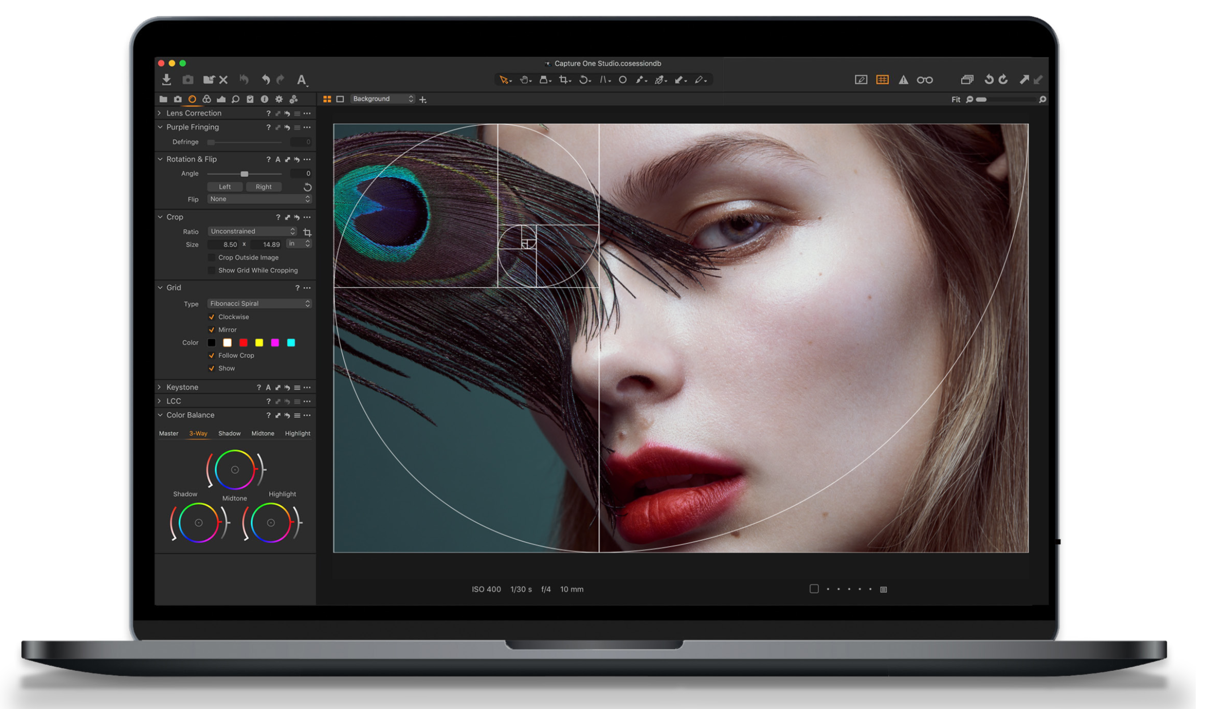
    Phase One, the company behind Capture One and Capture One Pro RAW processing software has announced 12.1, the first feature release of version 12.0. New features include a Grid tool that groups the options together from what was previously found under the global Preferences into a separate tool brick. This important compositional aid features a dedicated short-cut and is now separate from the Guides feature. As standalone the Grid tool is both simpler and more logical in use. It’s located under the Lens Inspector, but like the majority of tools in Capture One Pro it can be added to any to the Tool Inspectors or ‘Tool Tabs’. Guides are accessible from…

    read more
    Kevin Carter

    You May Also Like

    Sony A7R IVA with new screen.

    Sony silently launches A7R IVA with new higher res LCD screen

    April 7, 2021

    Lee Filters adds Hood and Tandem Filter Adaptor to LEE100 range

    August 2, 2019
    SL3 with no lens

    Leica SL3 review

    February 8, 2025

Affiliates


Copyright © 2026 Digital Journal of Photography. All rights reserved.
  • Home
  • About
  • Privacy Policy
Ashe Theme by WP Royal.