Using the Copy and Paste buttons in the side panel of the Develop Module can be a little unintuitive at first. When you use these features, they only apply the settings to the first selected (active) ...
You can apply settings to multiple images at a time in Lightroom Classic through various methods. This helps save time and ensures consistency across your photo edits. The following methods apply to m...
Numerous manufacturers use different terminology for their Neutral Density filters, which can sometimes make direct comparisons difficult. I’ve produced this chart showing the various designations in ...
In Adobe Lightroom Classic, when you copy a Collection, the edits and adjustments made to images in the original Collection are also applied to the copied Collection. This means that changes made to a...
You can copy specific steps from one action to another in Photoshop. By copying a step that performs a specific adjustment, you can create complex Actions that greatly reduce editing time and yet simp...
You can add steps to an existing Photoshop action after it has been created. You might want to add to an existing Photoshop action to incorporate new techniques or adjustments based on client feedback...
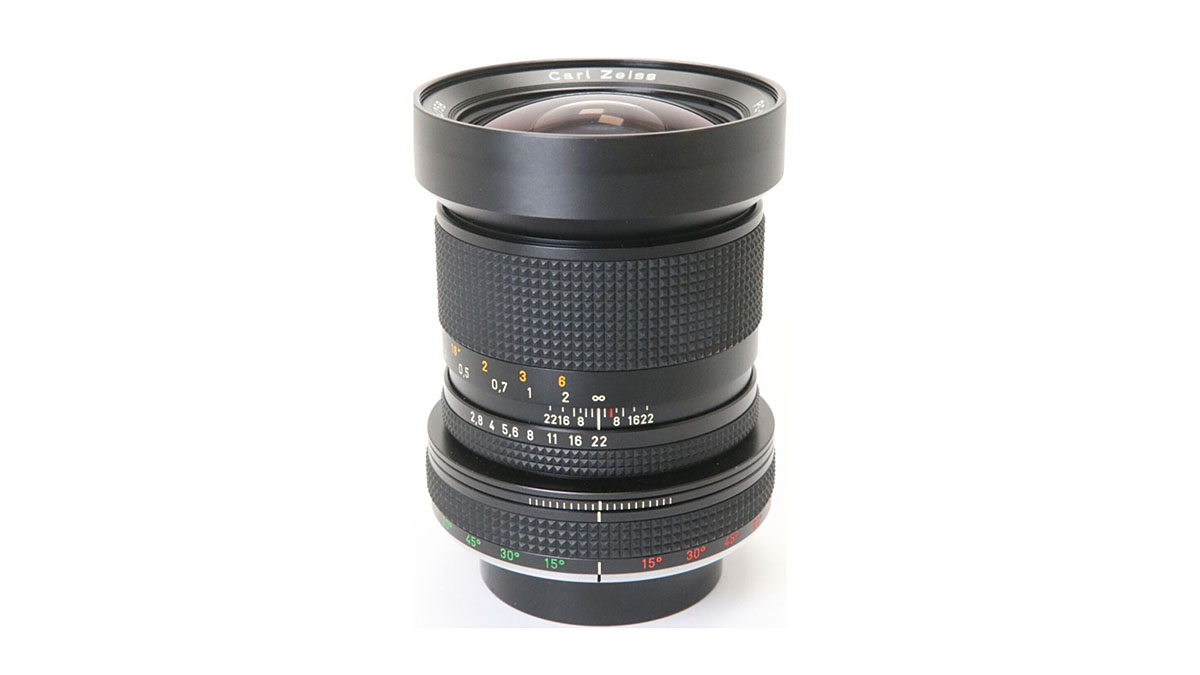
I’m often asked about my thoughts on gear, which was one of the reasons I started reviewing and consulting in the early noughties. I’m still asked about gear all the time, so I thought I would list so...

When mounting a ‘mechanical’ adapter, that is one that has no electronic connection, the camera does not recognise that an adapter is attached, even if a lens is mounted on it. The Canon E...
A well-structured workflow in Adobe Lightroom Classic can significantly enhance your photo editing efficiency and organisation. This is the typical workflow from import to export, but feel free to adj...
In Adobe Lightroom Classic, you can easily duplicate a photo with various edits using the Virtual Copy function. Here’s how to use virtual copies in Lightroom: What are Virtual Copies? In Lightroom, a...

