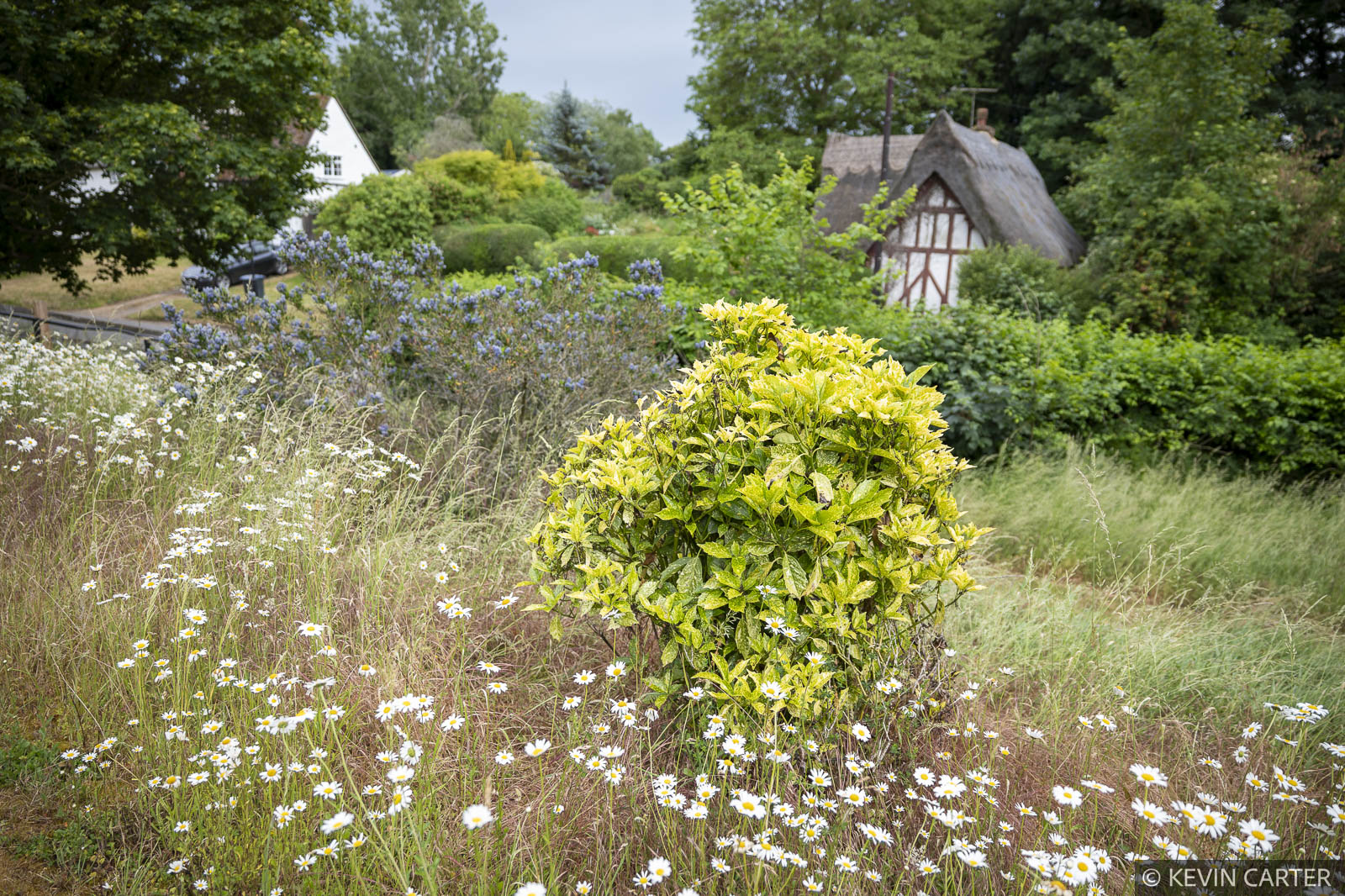
Lightroom Garden Presets FAQs
Where can I purchase these Presets?
These Presets are available exclusively from this store and are not sold anywhere else.
What does the Garden Presets collection offer?
This collection has three Presets, a General Processing Preset with the Adobe Colour Profile as its base – useful as it will override a specific profile in-camera if you set one – and several Tonal adjustments. This can be used on a wide variety of images. There’s also the more specific Garden 1 Preset with additional nuanced adjustments that can be used on its own or combined with the General Processing Style. Finally, a Foliage Preset adds nuanced colour adjustments, making greens and yellows found in the garden more realistic-looking.
Are the Presets compatible with different file formats?
Lightroom Presets are primarily designed to work with RAW files from most cameras, but they can also be applied to TIFF, JPEG, and PNG files. They are best used at the beginning of your workflow, ideally on a Layer for maximum flexibility.
How do the Presets benefit my editing process?
Using these Presets can save you valuable editing time, helping you get closer to your final image with a single application. Presets can also be stacked, allowing greater versatility.
Can I customise the Presets?
Yes, while the Presets have been tested on a variety of images, each Preset can be adjusted using the Lightroom tools to provide a specific look.
Where can I find installation instructions?
Refer to our tutorial, How to install Presets, for detailed guidance.
Is this Preset compatible with Lightroom Classic?
The Styles have been tested and are compatible with the latest version of Lightroom Classic.


