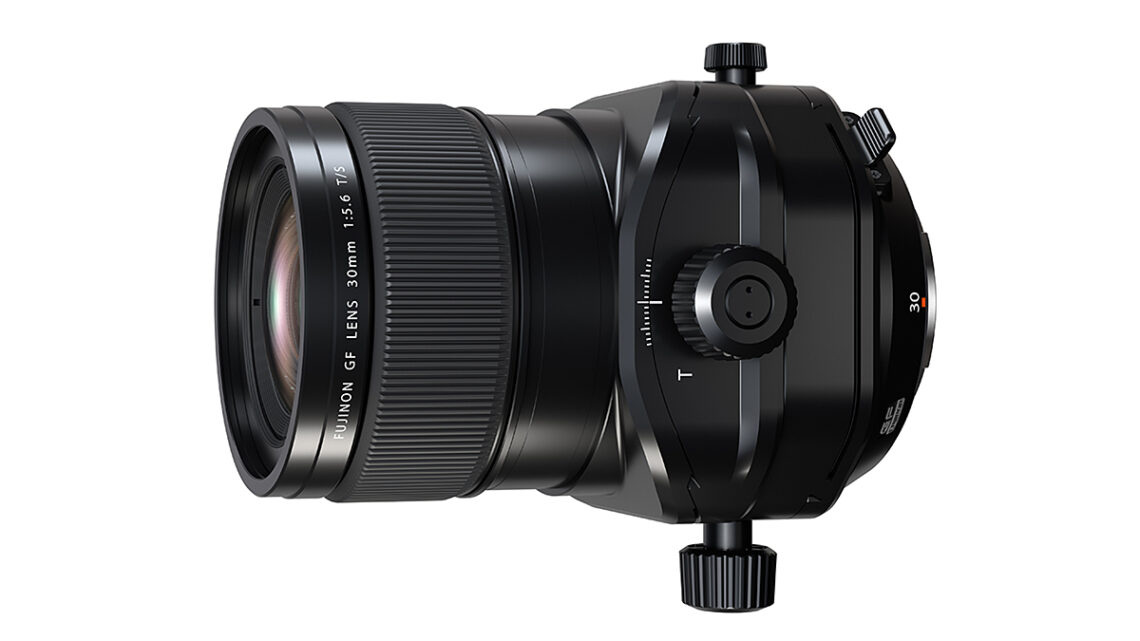
Fujifilm Fujinon GF30mm F5.6 T/S review
What is it? The Fujifilm Fujinon GF30mm F5.6 T/S is a highly anticipated lens in the GFX system. Why? Because it’s the first serious challenger to the Canon TS-E lenses (and the Nikon PC Nikkors), which are routinely adapted to fit on the larger-sensor GFX cameras. As a 30mm lens designed to cover the 44x33mm MF sensor, it is the equivalent of a 24mm in full-frame 35mm terms and is, without doubt, the most popular focal length for architecture and interiors. The manual-focus lens will also appeal to landscape photographers. (Arguably, a 35mm tilt/shift might be as popular or even more so (the Nikon and Zeiss 35mm shift-only models are…
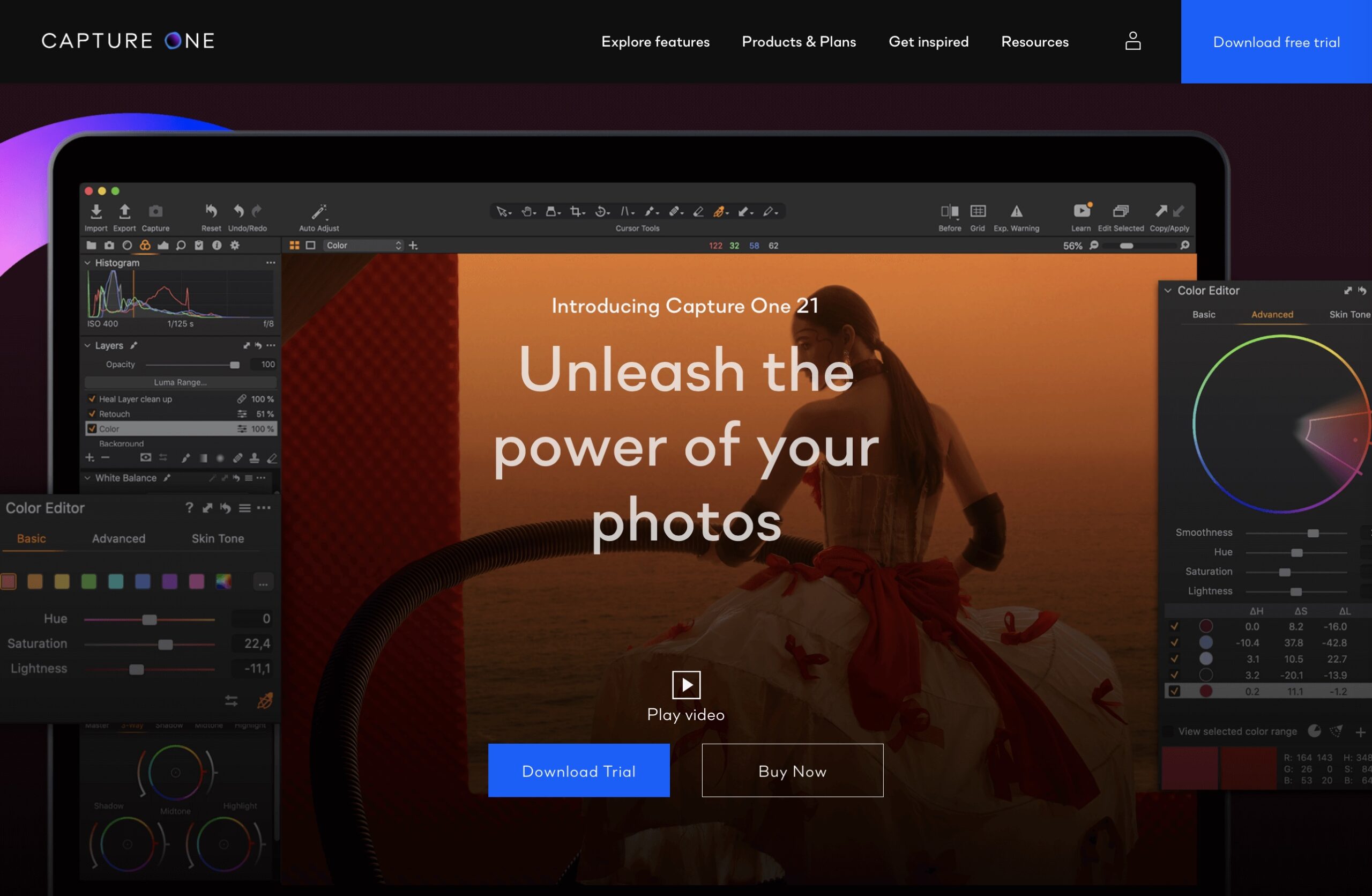
Hidden Features of Capture One Pro: Redeploy as a Fast Browser
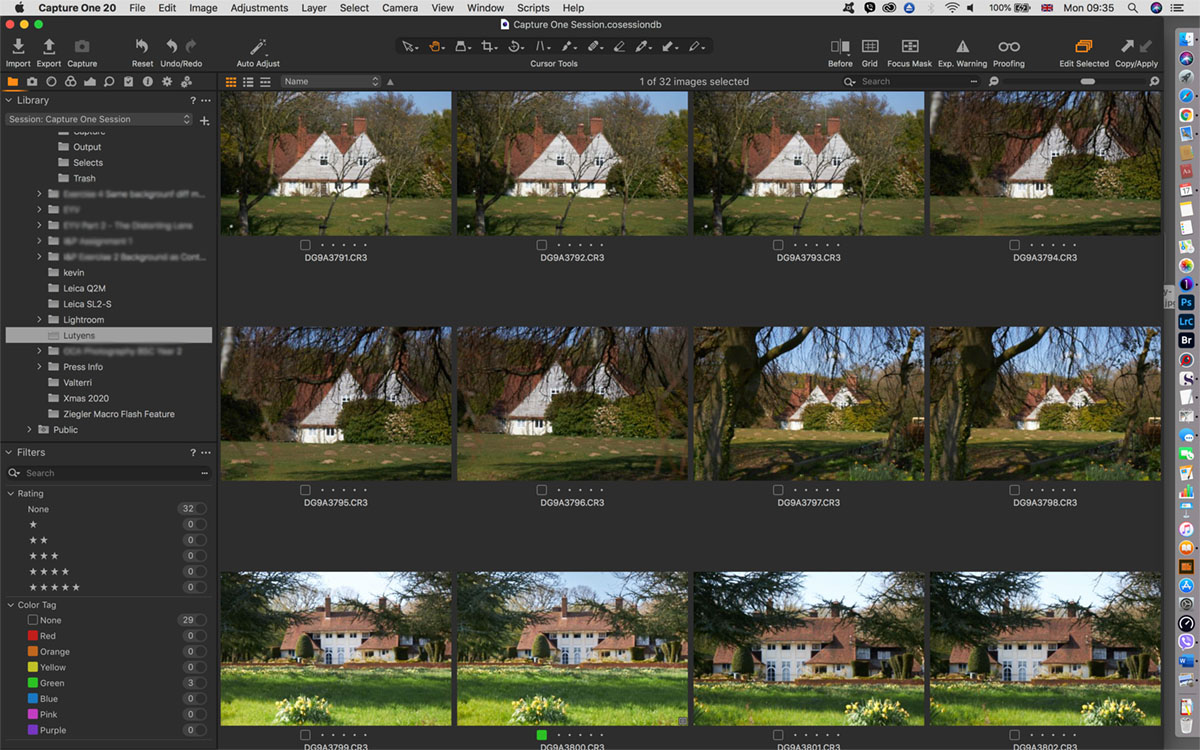
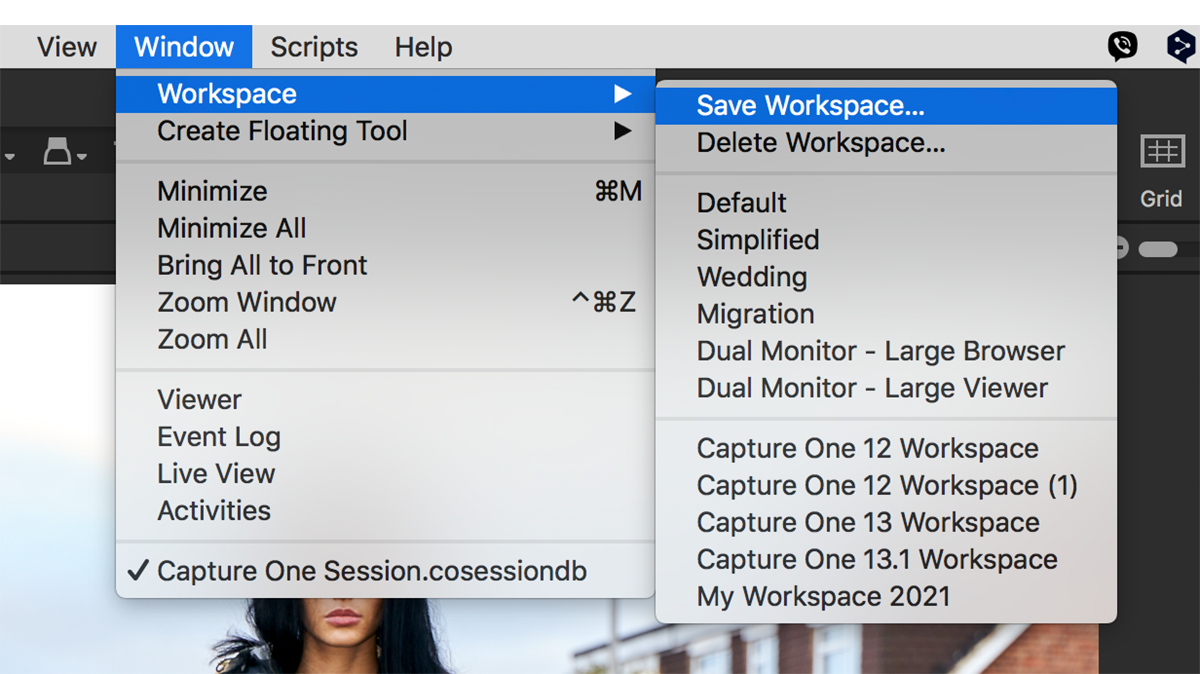
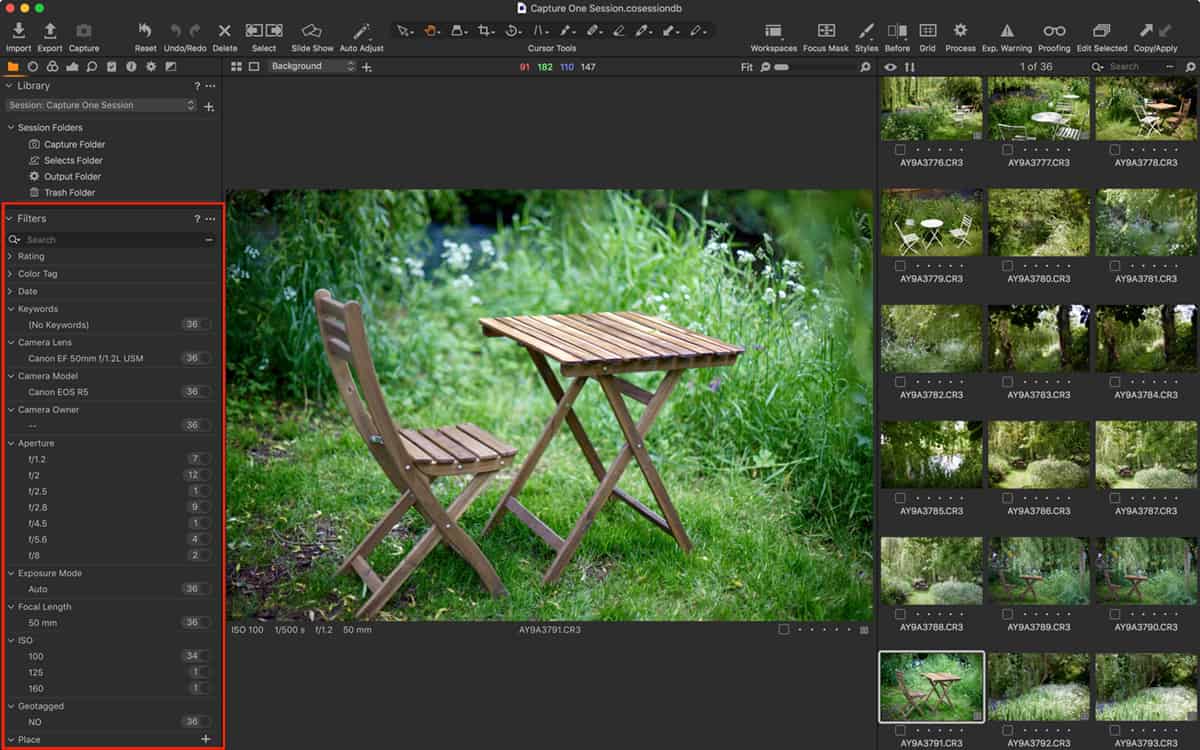
Why use Capture One Pro as a fast browser? In theory, Capture One can’t be used to browse until images are imported into either a Catalog or a Session. And, in my opinion, it’s this design that makes Capture One Pro a little daunting for new users, as you’re immediately asked to make a choice between them before you can use it. However, in practice, there is an (unofficial and therefore unsupported) “third” way to use it, and that is as a fast browser. One of the downsides of RAW converters like this is that you have to import images through a “gatekeeper” (the import, or ‘importer’) app. Once files…