Labelling Captions and Titles in Lightroom Classic
Labelling photographs requires editing the metadata fields in Lightroom Classic’s Library Module, and understanding the difference between a Title and a Caption is good to know, as they’re often referred to interchangeably. In typical practice, use Title for a concise label and Caption for a full explanatory description and attribution. So, as an example, if I want to name a photograph (as an artwork), I would add this to the Title field. Title (IPTC: Object Name / IPTC Core: Title) Short, specific name for the image (one-line). Used as a display label or filename-friendly identifier. Typically appears in search results, galleries, or as a headline. Caption (IPTC: Caption/Description / IPTC…
Ending soon: 20% off upgrade promotion launched for Capture One 22
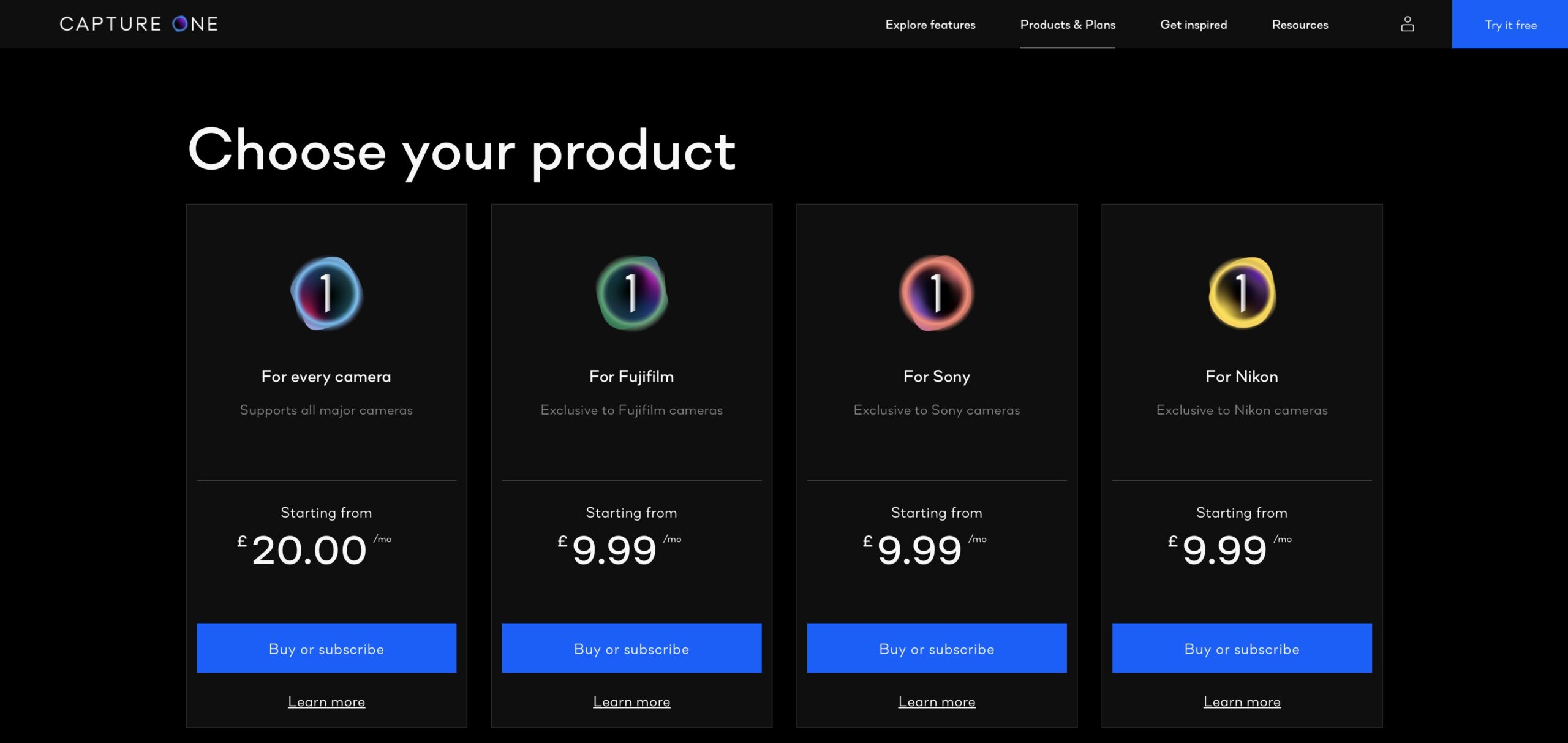
Update 07 Nov, 2021: Although I wasn’t told initially when this ends a Capture One spokesperson informed me that the offer ends Tuesday 09 November (presumably at midnight Central European time.) The same spokesperson said as a license holder (subscribers automatically upgrade) this is going to be the “best offer” to upgrade to version 22. So if you haven’t decided already, nows the time. Capture One have launched an upgrade promotion for existing perpetual license holders only (those on Capture One Pro 21, Capture One 21 and older versions of the licenses) for those wishing to move on to version 22. The promotion does not apply to anyone buying…
Hidden Features of Capture One Pro: Save Filters for Searching Metadata
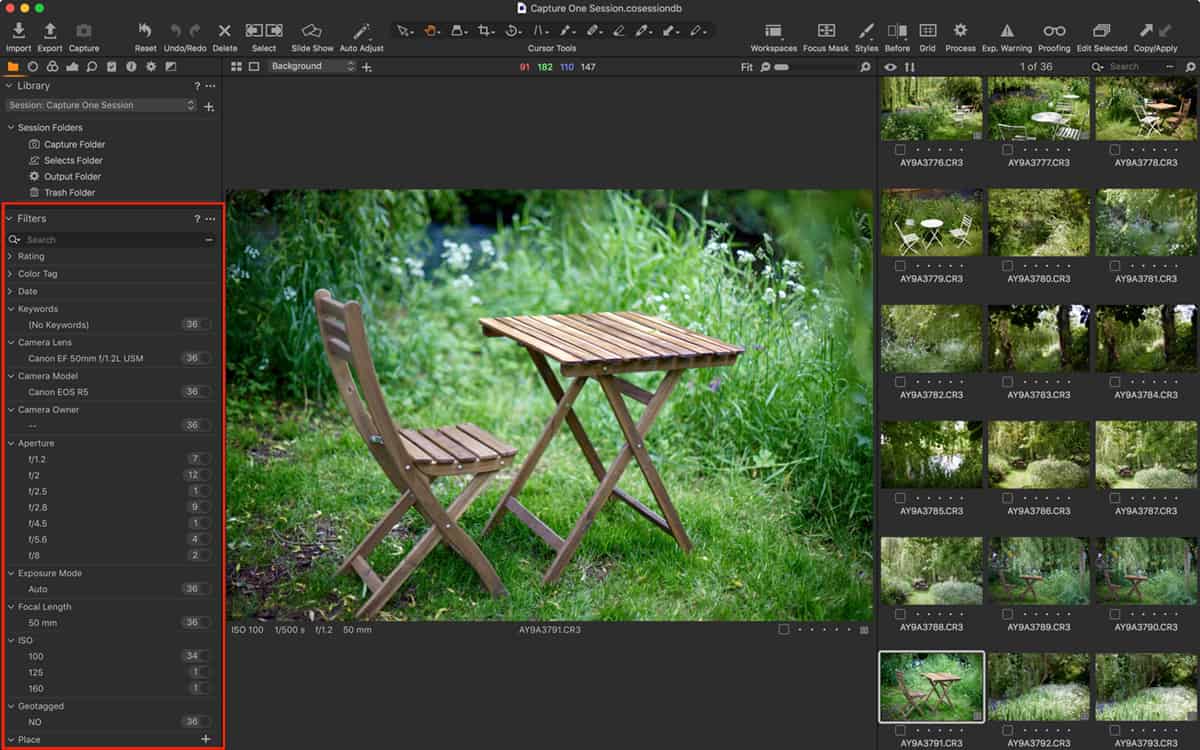
Filters are an often over-looked feature in Capture One and they’re really very powerful for searching for images. You might already use them to find starred or colour tagged images but they can be set-up to search for any metadata that’s listed in the Metadata tool. As a camera and lens reviewer (formerly for numerous press titles in the UK), I often want to find photographs taken on certain cameras or lenses and so I have theses filters saved for just that purpose. I can also search by ISO, aperture value and even shutter speed if want to (the latter not so much, if I’m being honest). While those particular…
Hidden Features of Capture One: Save your Workspace
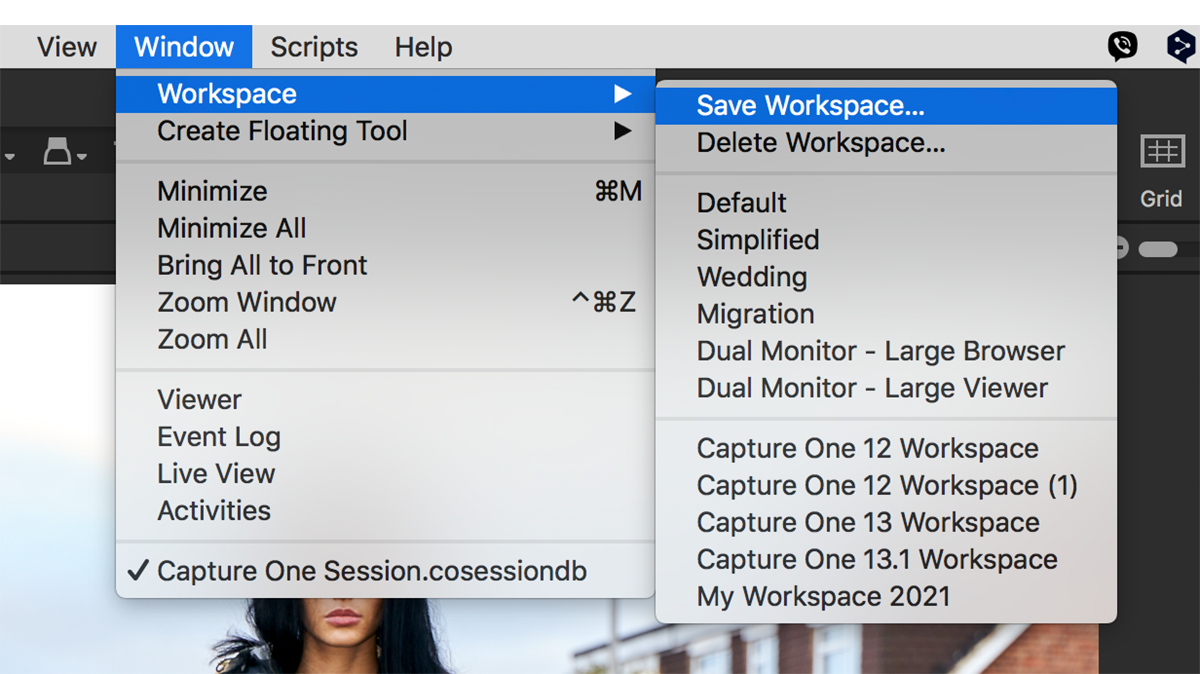
Capture One Pro is a highly customisable app, and there’s nothing worse than getting it all set up only to find the workspace has changed for whatever reason. I often find it different to how I left it (or thought I had), whether that’s due to a bug, an update, the yearly upgrade, or simply user error (such as removing tools or complete tool tabs) it’s difficult to say. Fortunately, Capture One has an option to save the current workspace. Once saved it’s easy to restore and it’s easy to set up several customised workspaces for different tasks. You might for instance never use the tethering option, so you can…
Hidden Features of Capture One Pro: Redeploy as a Fast Browser
Why use Capture One Pro as a fast browser? In theory, Capture One can’t be used to browse until images are imported into either a Catalog or a Session. And, in my opinion, it’s this design that makes Capture One Pro a little daunting for new users, as you’re immediately asked to make a choice between them before you can use it. However, in practice, there is an (unofficial and therefore unsupported) “third” way to use it, and that is as a fast browser. One of the downsides of RAW converters like this is that you have to import images through a “gatekeeper” (the import, or ‘importer’) app. Once files…
Pre-order Capture One Pro 21 and receive 20% off plus a free Sample Styles pack
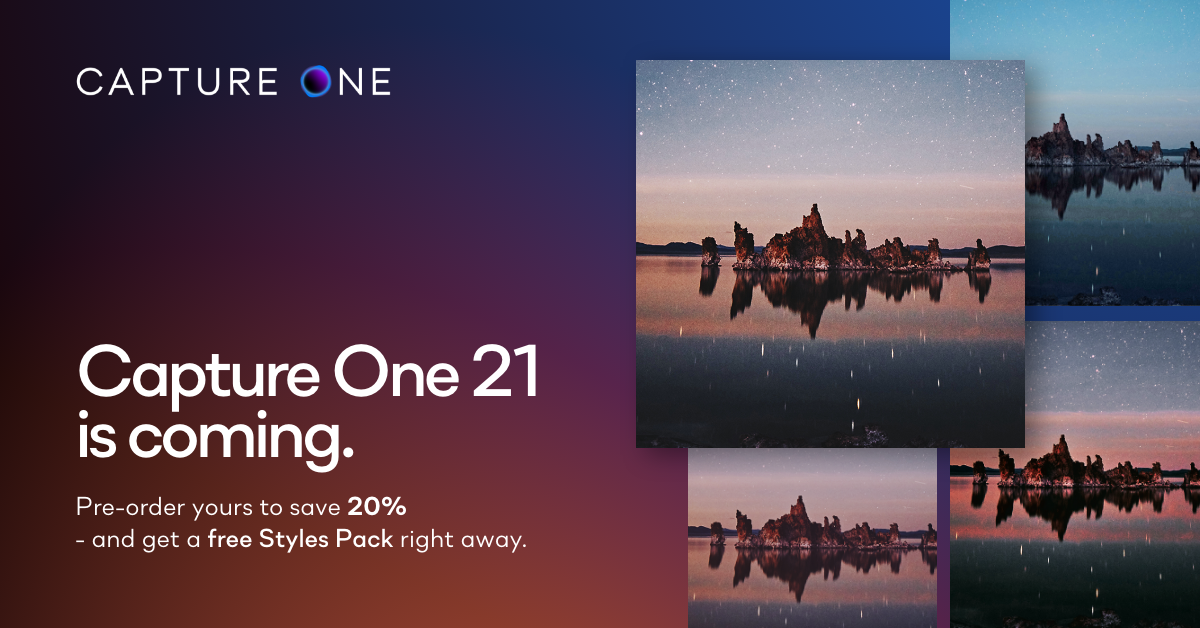
UPDATE (9th December): Capture One 21 has been released. New features include Dehaze, Speed Edit, HEIC support and ‘ProStandard’ profiles for certain cameras. There also a redesigned Importer and support for tethering certain Leica cameras. You can buy or upgrade directly from Capture One [affiliate link]. Capture One is promoting the new version 21 – it’s not out yet but Capture One 20 perpetual license holders pre-ordering an upgrade for version 21 will receive 20% off and immediately receive a Sample styles pack for free. This pack will include 5 styles from their most popular collections (Beyond Film, Beyond B&W, Film, Seasonal, Latitude – Sunbound). In order to qualify you must apply the…
Capture One announce Summer Promotion
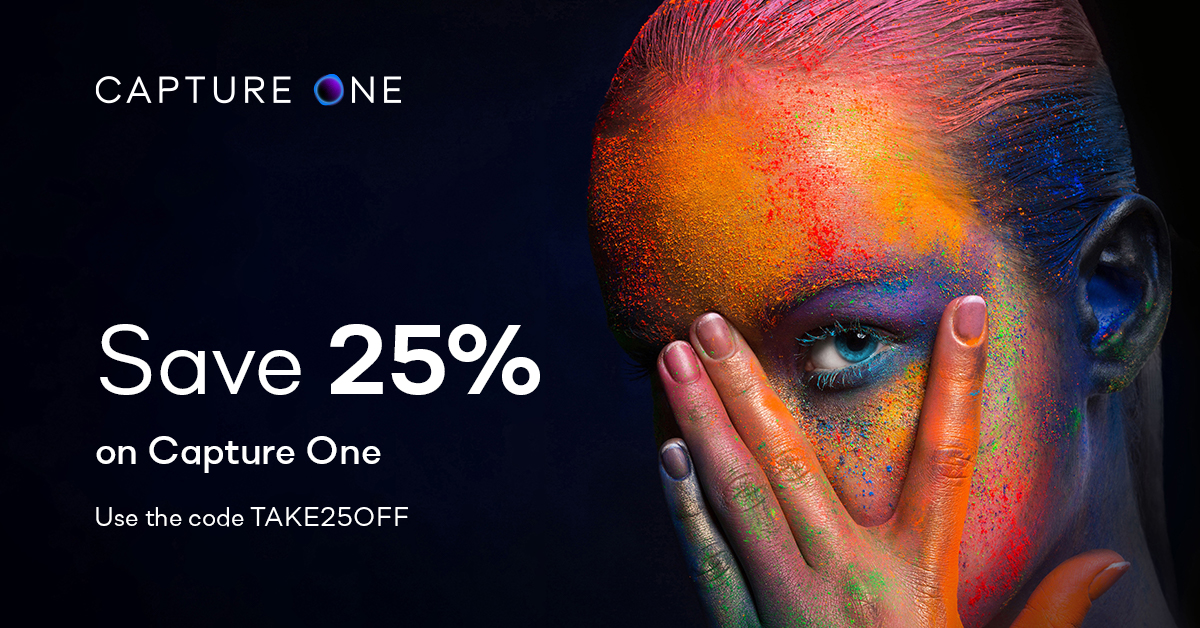
Update: The Summer Promotion discount includes Styles bundled with licenses and subscriptions (i.e., Bundled Styles), saving an additional 25% on the already discounted price! Styles on their own are not subject to the Summer Promotion. Capture One has announced a summer promotion, giving 25% off perpetual licenses and subscriptions from today only, using the code TAKE25OFF to qualify. For more details, visit the official Capture One site. Anyone who has yet to decide between buying a perpetual license and subscription, our in-depth guide on the subject should be worth a read.
Capture One Pro 20 announced
The latest full version upgrade to Capture One Pro has been announced. Besides the new features listed below, support for new cameras such as the Canon EOS M6 II and EOS 90, Nikon Z 50, Panasonic Lumix S1H and Olympus EM5 III. Also new is the change in version naming. Capture One is now version 20 for the year 2020, instead of version 13. Want to know if you should upgrade, subscribe or buy a license? Then you need to read this article (recently updated to include the new prices on upgrades). Check back in a few days when I’ll have an article explaining the new features in Capture One…
Save 30% on Capture One Products
Update; December 02: Phase One has extended the Black Friday event on all Capture One products to Cyber Monday. Please enter the code CYBER-MONDAY-19 during checkout to receive 30% discount. Starting today through 01 December, you can get a 30% discount when you buy any Capture One product such as a license or subscription (including Sony/Fujifilm versions), upgrade (from 9,10 and 11) and styles! Plus, you’ll also get a free upgrade to Capture One 20 (that applies to buying a license only). The Black Friday 30% off is only applicable when you buy via the official Capture One store. During checkout, click on Enter Promotional Code and enter the code:…
Capture One Deals Explained
Update (December 07, 2019): Phase One has announced Capture One Pro 20 (version 13). There aren’t any special prices now, but you can still buy a license and bundle some styles together for impressive savings. Please add the promo code ‘DJP’ during checkout (you can make sure it’s recognized as a penny/cent is removed from the price) as a show of support for this site. I’ll earn some small commission payments which will help towards maintaining the site. Update (November 05, 2019): There are no discounts available for purchasing Capture One Pro 12 now, but there are still some savings to be had if you buy their styles with a…