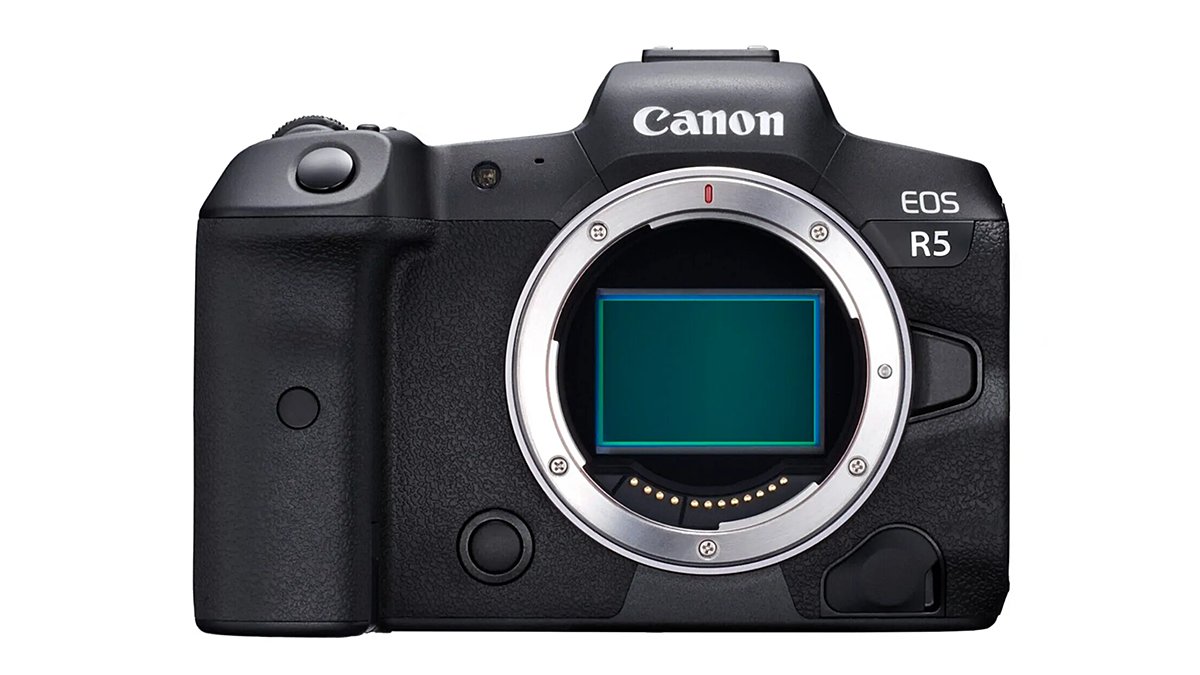
By following these steps, you will be able to set up Back-button AF operation on the Canon EOS R5. This guide has been written specifically for the Canon EOS R5; however, the operation will be similar...
By following these steps, you will be able to set AF operation shortcuts to customisable buttons on the Canon EOS R5 (this guide has been written specifically for the Canon EOS R5, however, the operat...
By following these steps, you will be able to set and view playback in the Canon EOS R5’s viewfinder. To set playback in the viewfinder of the Canon EOS R5, follow these steps: 1. Turn on the Ca...
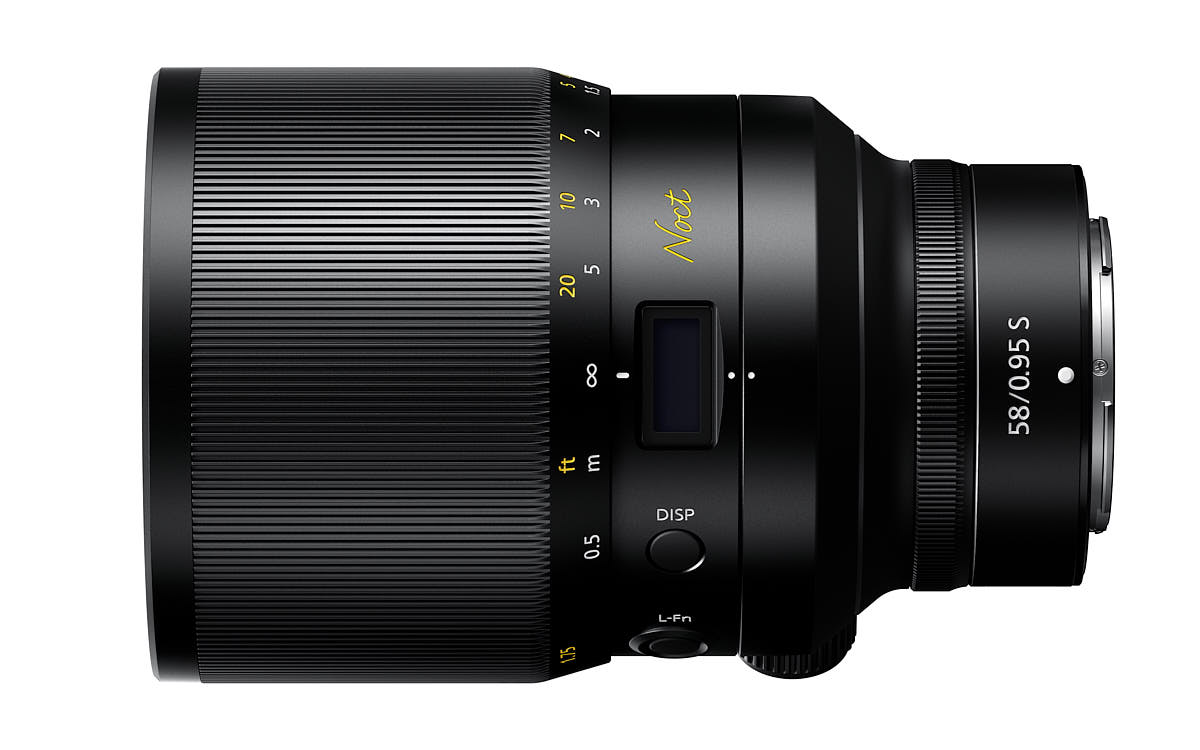
Comparing maximum aperture values in third- and half-stops can be challenging, so I’ve created a table to facilitate this comparison. Below F1.0, the differences become even more complex, so please co...
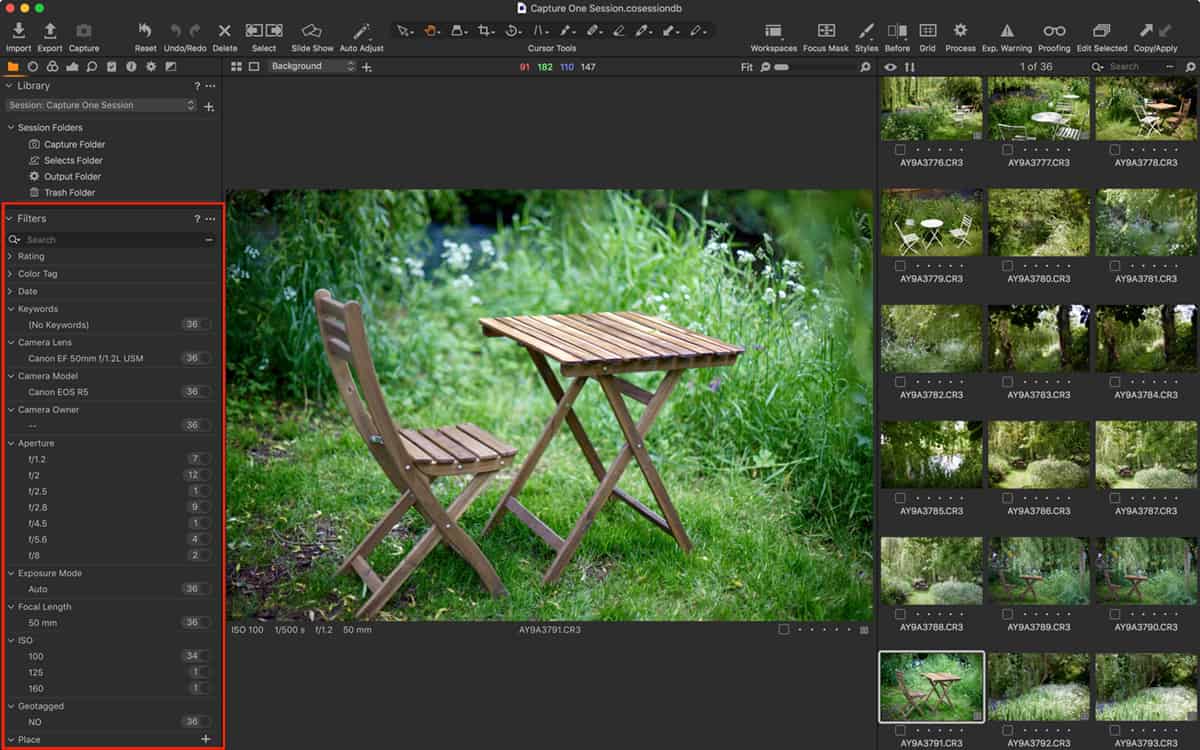
Filters are an often over-looked feature in Capture One and they’re really very powerful for searching for images. You might already use them to find starred or colour tagged images but they can...
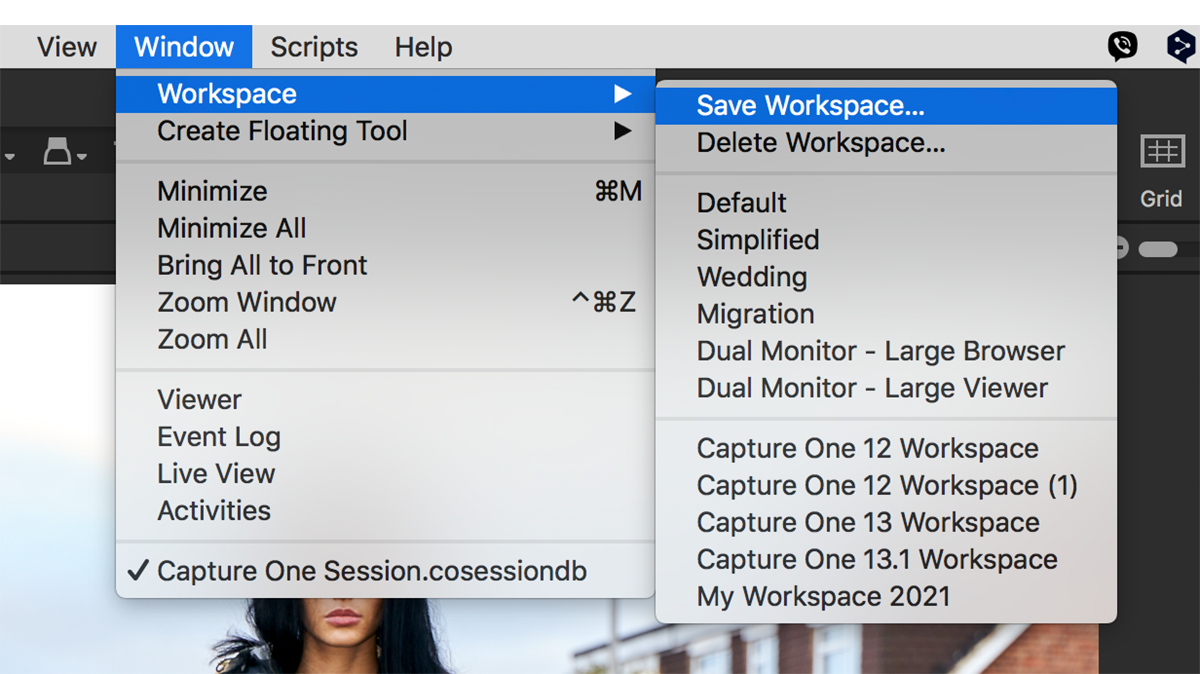
Capture One Pro is a highly customisable app, and there’s nothing worse than getting it all set up only to find the workspace has changed for whatever reason. I often find it different to how I ...
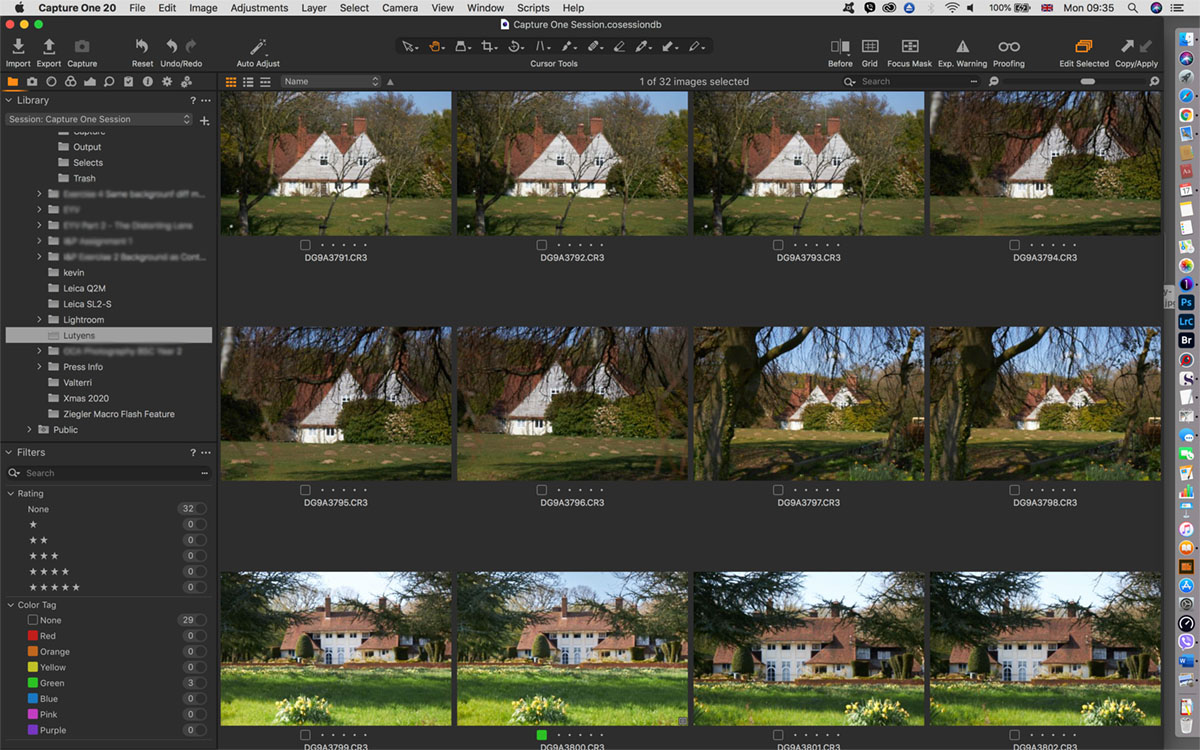
Why use Capture One Pro as a fast browser? In theory, Capture One can’t be used to browse until images are imported into either a Catalog or a Session. And, in my opinion, it’s this design that makes ...
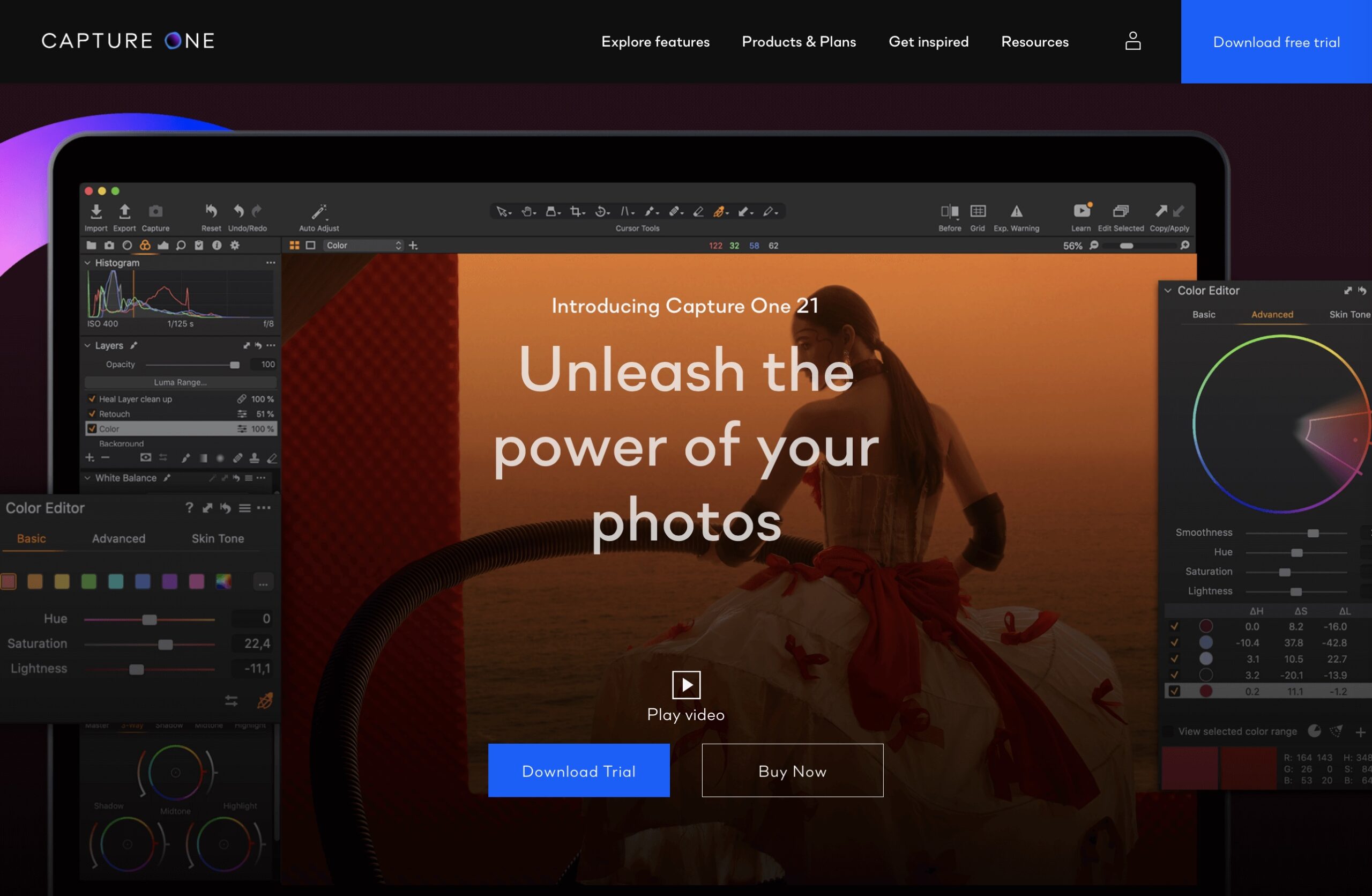
Update: this article was written for Capture One Pro 21, and prices may have changed for Capture One Pro 22/23, therefore, please check before committing to any purchase. Please consider buying a lice...
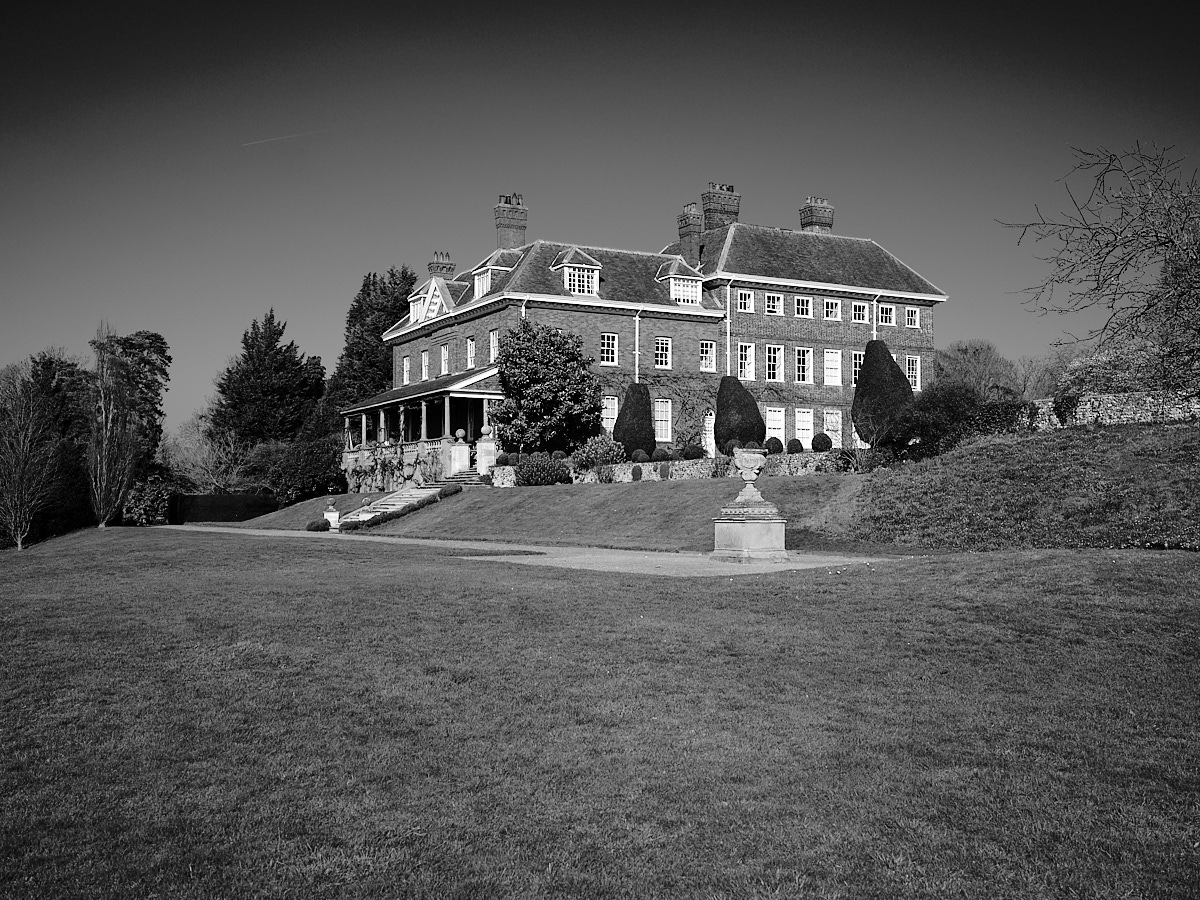
Capture One Pro has one of the best (if not the best) B&W conversion options of any software application to date. Here we give you a mini-sampler of its capabilities. Black and white images are pr...

Update (December 07, 2019): Phase One has announced Capture One Pro 20 (version 13). There aren’t any special prices now, but you can still buy a license and bundle some styles together for impr...

