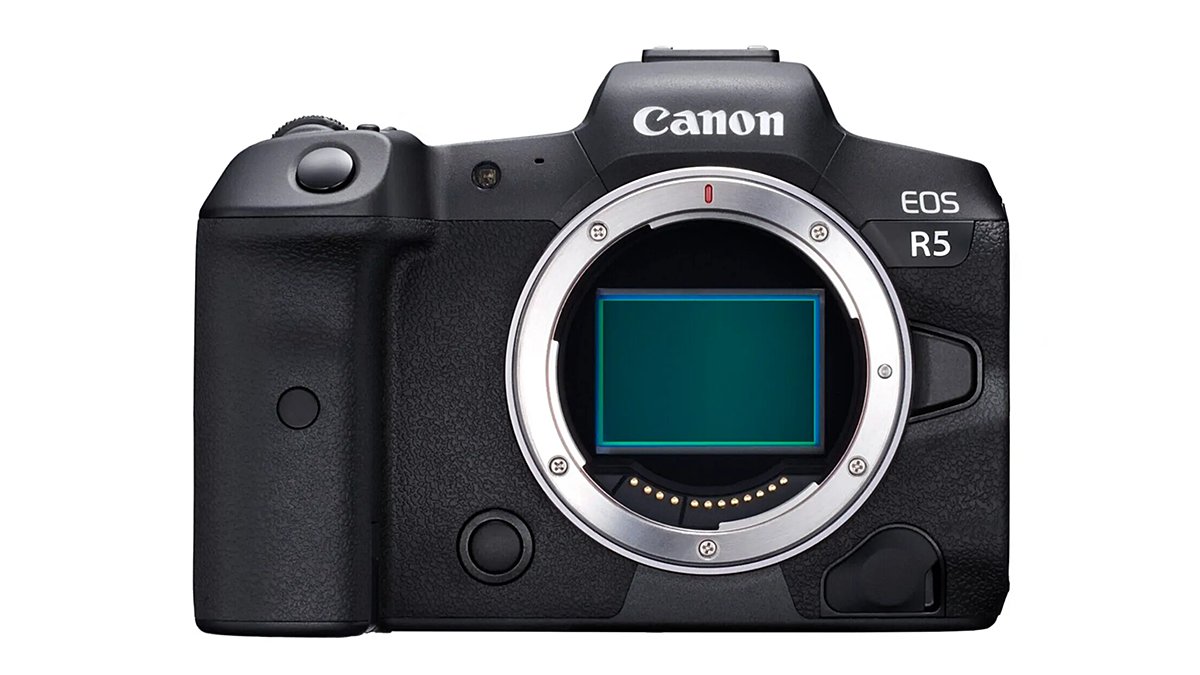
By following these steps, you will be able to set AF operation shortcuts to customisable buttons on the Canon EOS R5 (this guide has been written specifically for the Canon EOS R5, however, the operation will be similar to other EOS R cameras).
Setting autofocus (AF) operation shortcuts to customisable buttons on the Canon EOS R5 (and other EOS R cameras) is an easy way to improve the handling experience by allowing quick access to frequently used functions.
Continue Reading
The remainder of this review is available to Digital Journal of Photography Members.
Every review, guide and tutorial is based on first-hand experience and over 25 years' experience in the photo industry.
Membership includes:
- ✔ Camera and lens reviews
- ✔ Practical Canon and Lightroom guides
- ✔ Independent buying advice based on real-world experience
- ✔ Regular new content and exclusive member resources
Photography changes quickly. Your membership gives you access to new reviews, updated guides and expert advice as they're published.
Choose your membership
- Monthly — $9.99
Flexible access. - 6 Months — $34.99
$5.83 per month — save $24.95. - Annual — $49.99 ★ Best Value
$4.17 per month — save $69.89.
Subscribe now
|
Already a member? Log in