
What is it? Released in June, 2024, the Fujifilm GFX100S II is an update to the Fujifilm GFX100S, the smaller, more compact model that sits just beneath the flagship Fujifilm GFX100 II. It features a ...
I recently published a post displaying Lightroom Classic’s Develop shortcuts. As you might expect, the Library module has extensive shortcuts as well. The following is for Mac OS, but Windows users ca...
Neither the Point Curve nor the Parametric Curve directly affects the colour of an image in Lightroom Classic. However, their adjustments can indirectly impact how colours appear based on changes in b...
In Lightroom Classic, the Point Curve and Parametric Curve are both tools located in the Tone Curve panel. They’re used for adjusting brightness and contrast in your images. However, they operate diff...
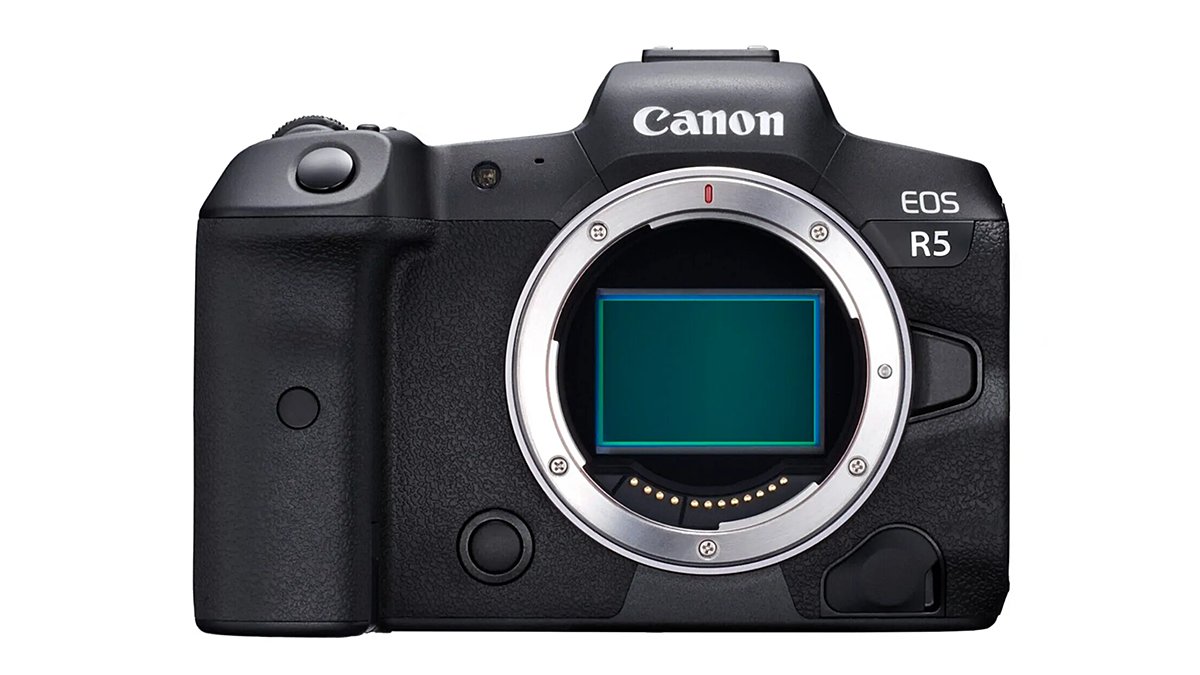
How to Enable Manual Focus Override on Canon EOS R CamerasBy default, Canon EOS RF lenses don’t have the instant manual-focus override feature enabled, as you find on the EF series. To enable this...
Lightroom Classic’s shortcuts are a great timesaver and worth getting familiar with. The following list is for Mac OS (but you can substitute Ctrl for Command if you’re a Windows user). ...
In Lightroom Classic, Collections and Smart Collections serve the purpose of organising photos, but they differ in how they operate and the functionality they provide. Collections Manual Organisation:...
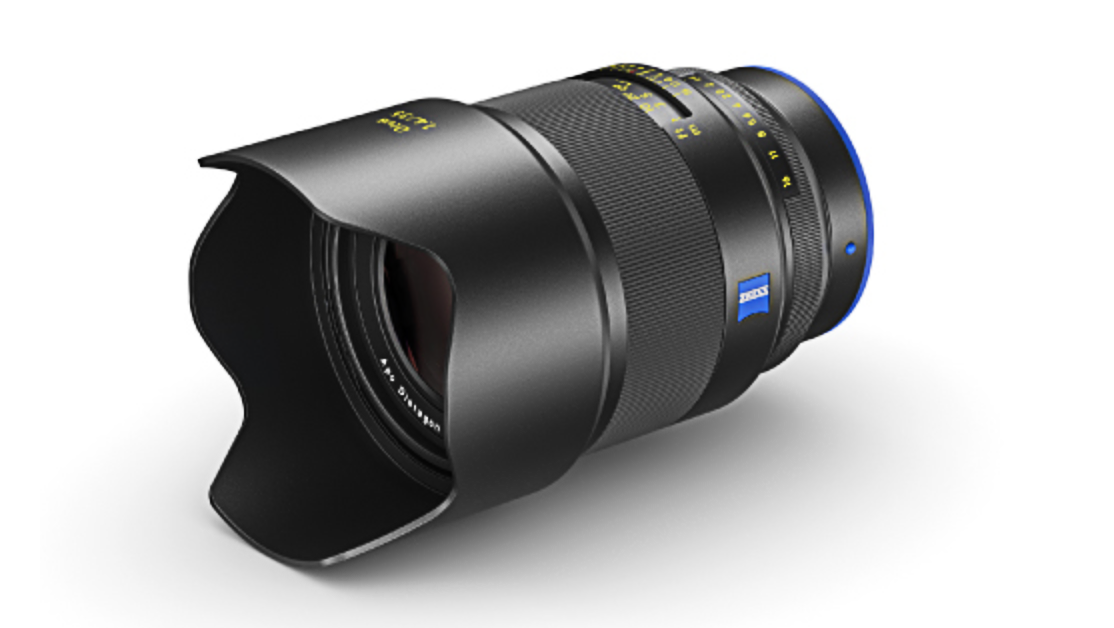
Zeiss has announced the latest addition to the made-for-mirrorless, manual-focus Otus ML range: the Otus ML 1,4/35. This is the first Otus model in the popular 35mm focal length, having been omitted i...
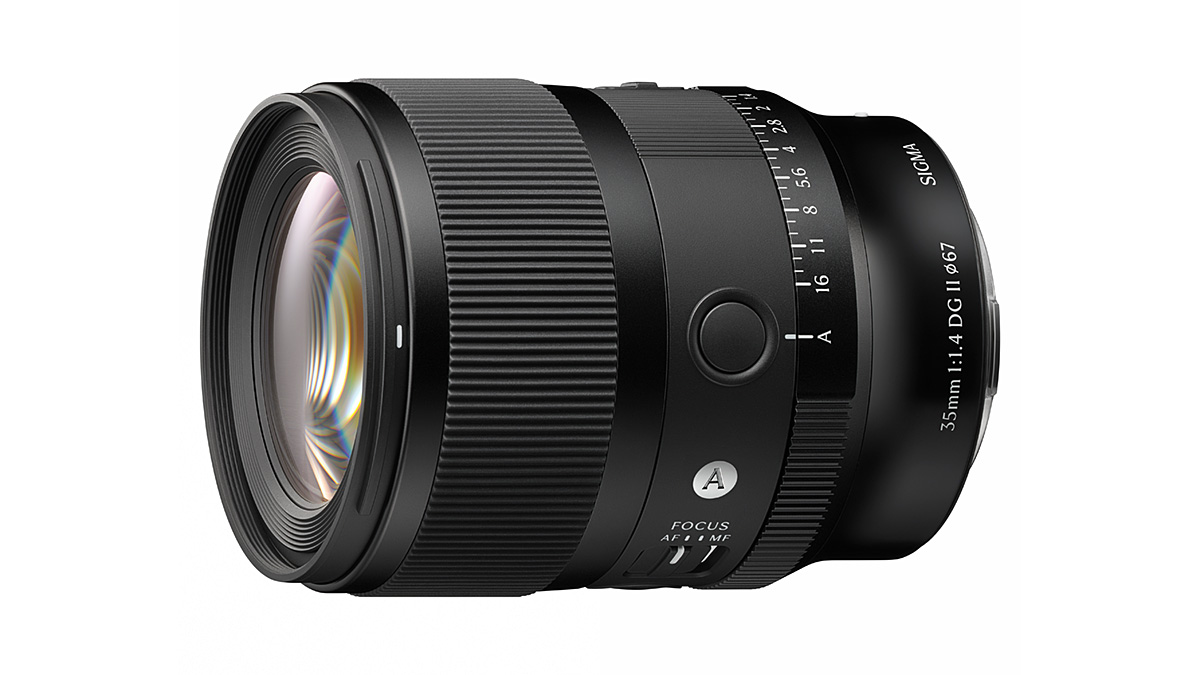
Sigma has announced an updated version of the 35mm F1.4 DG DN Art series (made for mirrorless) lens. The new Mark II model promises faster focusing and improved image quality thanks to the adoption o...
High Pass sharpening is a lesser-known technique that enhances detail while minimising overall noise. Follow these steps to apply High Pass sharpening in Adobe Photoshop:...

