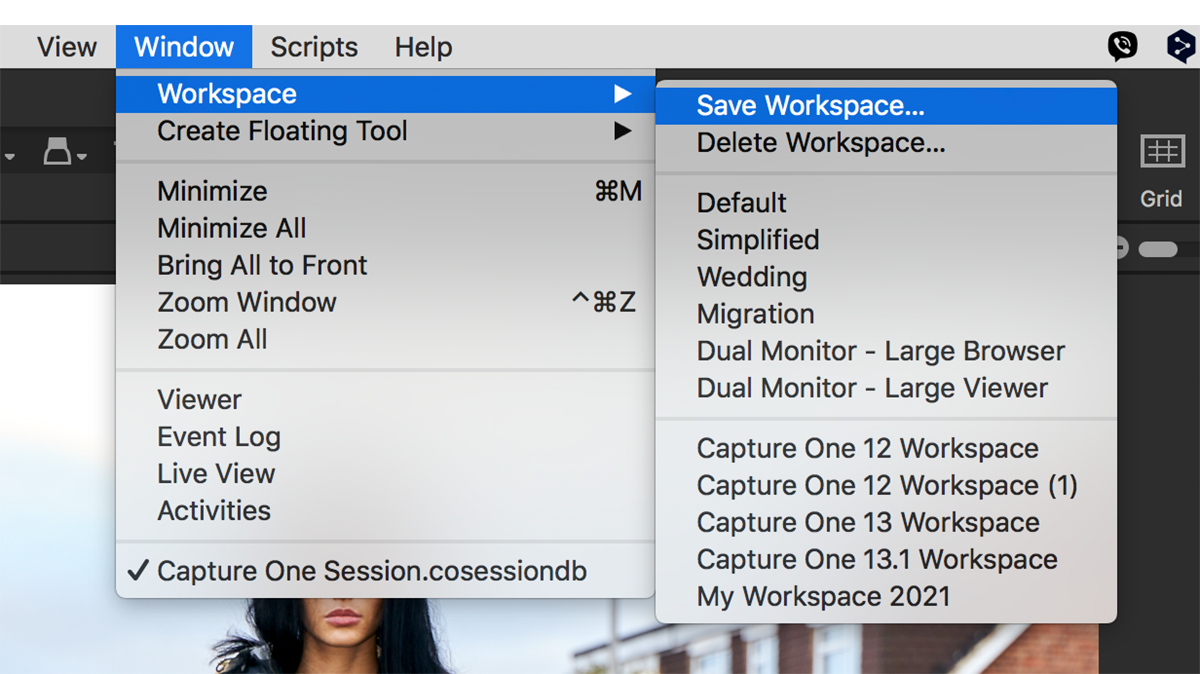
Capture One Pro is a highly customisable app, and there’s nothing worse than getting it all set up only to find the workspace has changed for whatever reason. I often find it different to how I ...
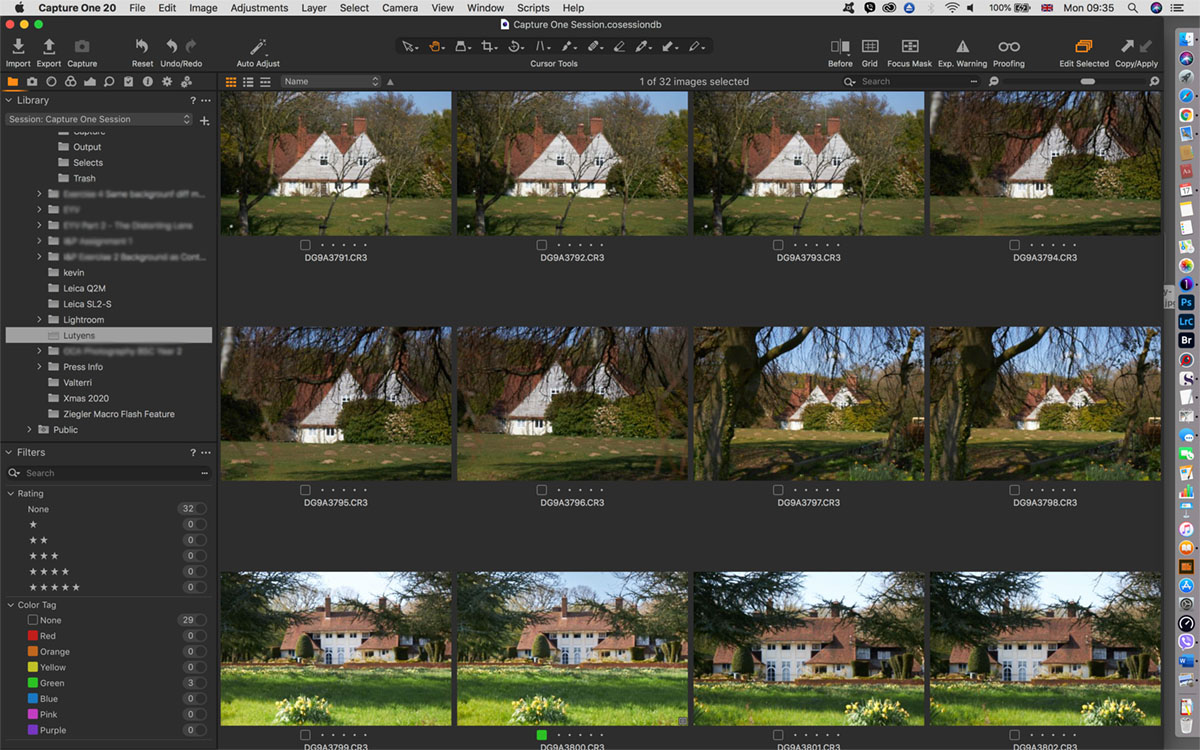
Why use Capture One Pro as a fast browser? In theory, Capture One can’t be used to browse until images are imported into either a Catalog or a Session. And, in my opinion, it’s this design that makes ...
Update: this article was written for Capture One Pro 21, and prices may have changed for Capture One Pro 22/23, therefore, please check before committing to any purchase. Please consider buying a lice...

Capture One Pro has one of the best (if not the best) B&W conversion options of any software application to date. Here we give you a mini-sampler of its capabilities. Black and white images are pr...

Update (December 07, 2019): Phase One has announced Capture One Pro 20 (version 13). There aren’t any special prices now, but you can still buy a license and bundle some styles together for impr...

Capture One Styles are an important feature in Capture One and Capture One Pro. Styles are perhaps the single most important aid to your branding, and can save you both time and money when re-creating...
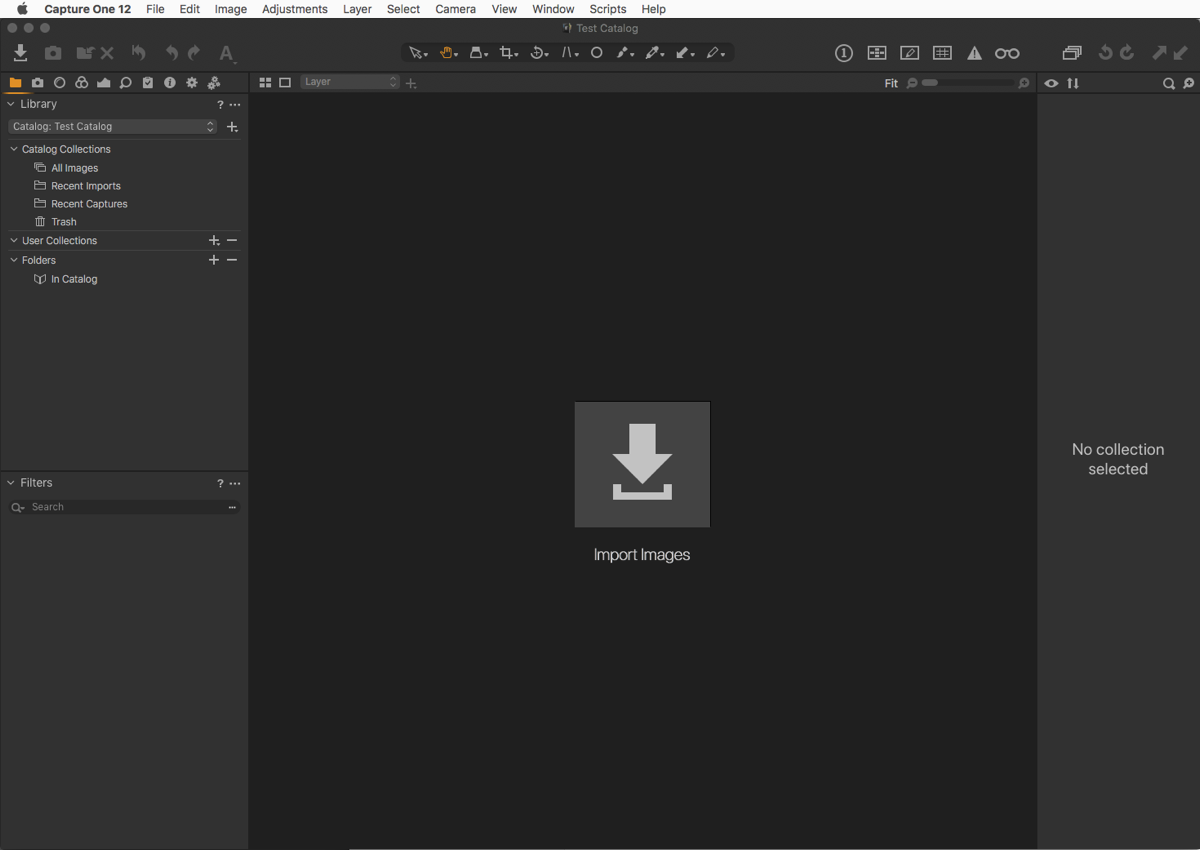
If you’re new to Capture One, either as a beginner or more experienced photographer coming from Lightroom, then there are a few concepts that you need to know about the process that will help you when...
We’ve recently published the Top 10 Features of Capture One Pro to YouTube. The original text for this video can be read here. Download a free trial of Capture One Pro. Support this site If you ...
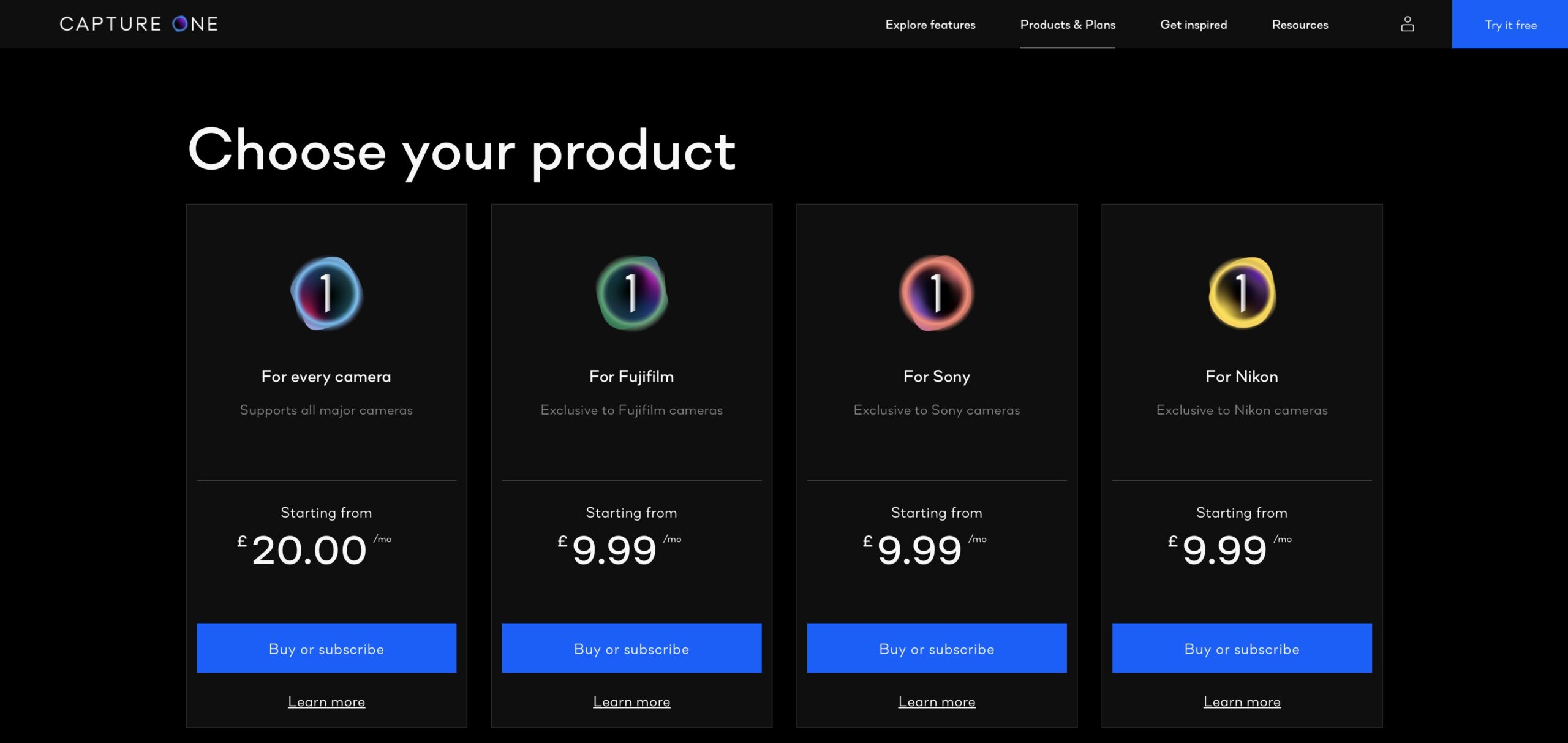
UPDATE (April, 2021): Please note this article is no longer relevant and is kept here online for reference only. If you want to know the most affordable route to working with Capture One 21, please se...
Already the ‘go-to solution’ for high-end imaging pros, Capture One Pro is becoming increasingly popular with a much wider audience. Part of this could be the bundling with Sony and Fujifi...

